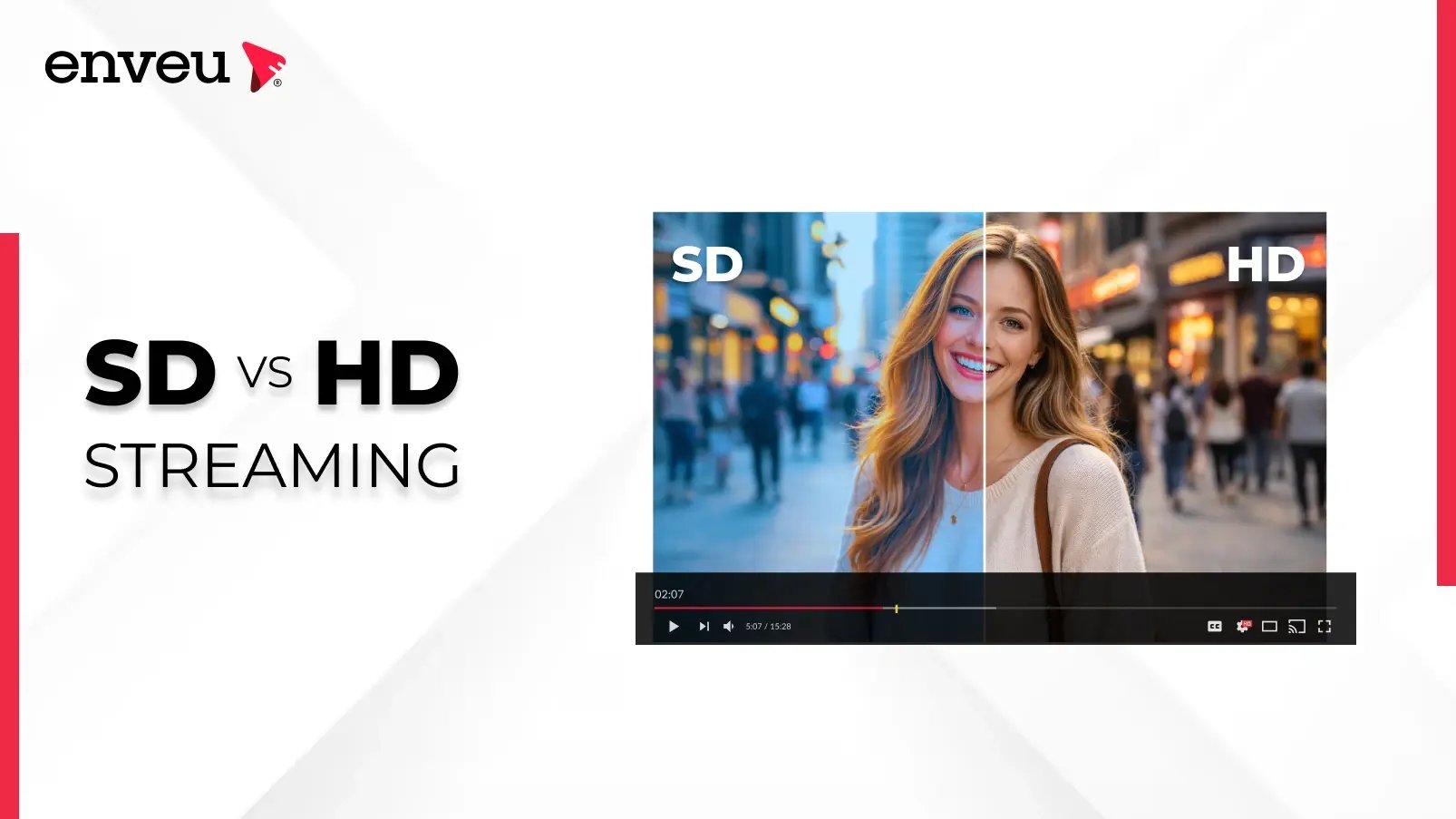
SD (standard definition) is lower resolution — typically 480p; HD (high definition) is 720p or 1080p; and FHD (Full HD) is 1080p. More pixels means a sharper picture but more bandwidth: HD looks clearly better than SD, and FHD is the modern streaming baseline. SD is now mainly a fallback for slow connections. The whole difference comes down to resolution — how many pixels make up each frame.
SD vs HD vs FHD at a glance
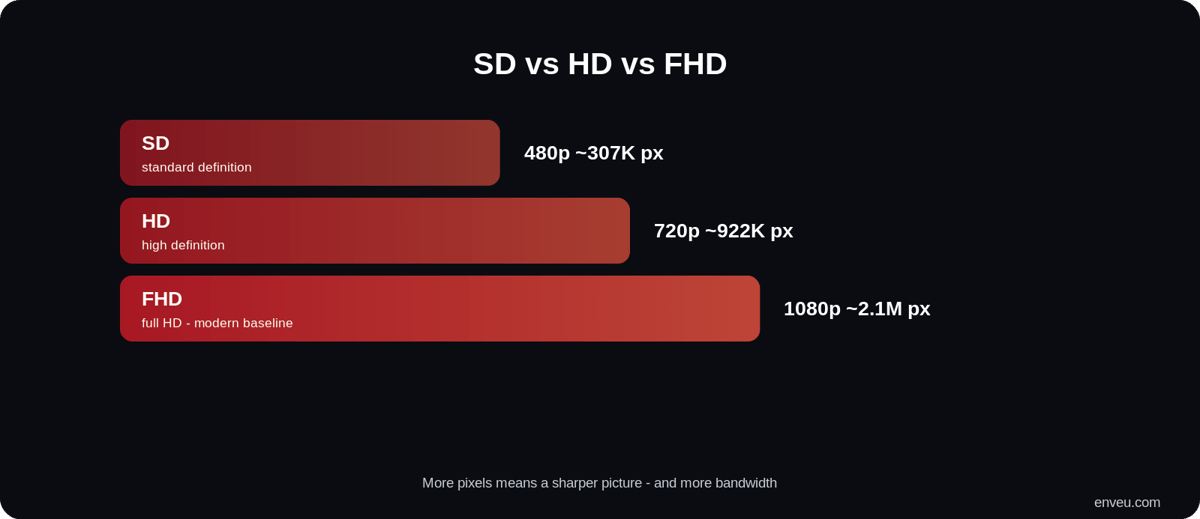
| SD | HD | FHD (Full HD) | |
|---|---|---|---|
| Resolution | ~640×480 (480p) | 1280×720 (720p) | 1920×1080 (1080p) |
| Sharpness | Basic | Sharp | Very sharp |
| Bandwidth | Lowest | Moderate | Higher |
| Best for | Slow connections, fallback | General streaming | Modern default |
What is SD (standard definition)?
SD stands for standard definition — the old broadcast-era video standard, around 480p (roughly 640×480 pixels). It's called "standard" because it was the norm before high definition arrived: it's what analogue TV, early digital broadcasts and DVDs used. SD packs the fewest pixels of any common format, so it uses the least bandwidth and storage. That's exactly why it survives today as a low-quality fallback — when a connection can't sustain anything better, a player drops to SD to keep the video moving instead of buffering. On today's big screens SD looks soft and a little fuzzy, but it keeps video playing on slow or data-capped connections.
What does SD mean for movies?
When a streaming or download service labels a movie "SD," it means the standard-definition version — about 480p. It's the lowest-quality, smallest-file option, and it's usually the cheapest to buy or rent and the lightest on your data. An SD movie will play fine on a phone or a small screen, but on a large TV it looks noticeably softer than HD, with less fine detail. So "SD movie meaning" comes down to this: it's the same film, just at a lower resolution that trades sharpness for smaller size and lower bandwidth. If you're on a fast connection and a big screen, you'll want HD or FHD; if you're saving data or space, SD does the job.
What is HD (and Full HD)?
HD (high definition) starts at 720p (1280×720) and includes Full HD / FHD at 1080p (1920×1080). HD has several times more pixels than SD — 1080p packs roughly six times the pixels of 480p — so the image is dramatically sharper, cleaner and more detailed. 1080p (FHD) is the baseline most viewers expect for streaming today, balancing quality against bandwidth. It's the sweet spot: sharp enough for large screens, light enough to stream reliably. Above it sit QHD (1440p) and 4K (2160p) — see QHD vs 4K. Each step up the ladder roughly multiplies the pixel count again: 4K carries about four times the pixels of FHD, which is why it looks strikingly detailed on large screens but needs a fast connection and more storage to match. For most streaming today, though, FHD remains the practical default — the point where quality and bandwidth balance best.
The difference between HD and SD
The entire difference is resolution — how many pixels make up each frame. SD is about 640×480; HD is 1280×720 or 1920×1080. More pixels means more detail, so HD renders text, faces, textures and fast motion far more clearly than SD, especially on big screens where SD's limited pixels get stretched and look blocky. The trade-off is data: HD and FHD need more bandwidth to stream and more space to store. Everything else people associate with "better picture" — sharpness, clarity, how well it holds up on a large TV — flows from that pixel count. Resolution is the whole story; SD simply has fewer pixels to work with.
| Factor | SD | HD / FHD |
|---|---|---|
| Pixels per frame | ~307,000 (640×480) | ~921,000 (720p) – 2,073,000 (1080p) |
| Picture on a big TV | Soft, less detail | Sharp and clear |
| Data used | Least | Several times more |
| Typical use today | Fallback on weak connections | Default for streaming |
HD Ready vs Full HD: what's the difference?
You'll often see TVs and streams labelled "HD Ready" or "Full HD," and they're not the same. HD Ready means 720p (1280×720) — the entry level of high definition. Full HD (FHD) means 1080p (1920×1080) — more than twice the pixels of 720p and noticeably sharper. Both are "HD," but Full HD is the higher tier and today's streaming baseline; HD Ready is a step down that's fine for smaller screens or slower connections. So the ladder within HD itself goes 720p (HD Ready) → 1080p (Full HD) → then beyond HD to 1440p (QHD) and 2160p (4K).
SD vs HD file size and storage
More pixels don't just need more bandwidth to stream — they also take more space to store. An SD file is the smallest; the same title in HD is several times larger, and in FHD larger still, because each frame carries far more pixel data. That's the practical trade-off behind the quality: SD saves storage and data, HD/FHD spends both for a better picture. It's also why "download in SD" exists as an option in many apps — a viewer short on phone storage or mobile data can grab the SD version and fit far more on their device. If you're weighing quality against space or a data cap, SD is the economical choice and FHD the premium one.
Is SD good enough, or should you choose HD?
It depends on the screen and the connection. SD is good enough on a small phone screen, when you're saving mobile data, or when your connection can't hold HD without buffering. HD or FHD wins on any larger screen or fast connection, where the extra sharpness is obvious and SD looks dated. For most people on modern broadband and a TV or laptop, HD/FHD is the right default; SD is the sensible fallback rather than a first choice. The good news is you rarely have to pick manually — streaming apps switch between them automatically.
SD streaming vs HD streaming: data and speed
Because SD carries fewer pixels, SD streaming uses much less data and needs far less bandwidth than HD — often only a fraction. That's why a shaky connection can stream SD smoothly while HD stutters, and why SD is friendlier to data caps. HD and FHD demand a faster, steadier connection to avoid buffering. In practice this is the real-world reason both exist: SD keeps video playing when bandwidth is scarce, HD delivers the quality when it's plentiful. Rather than forcing a single choice on everyone, modern streaming offers both and lets each viewer's player pick.
HD vs SD: which should you stream in?
For quality, HD wins easily — but the real answer for streaming isn't "pick one." Viewers have different connections, so the right approach is adaptive bitrate: offer SD, HD and FHD and let each player choose based on the connection. That way a fast connection gets FHD while a slow one drops to SD instead of buffering, and quality shifts seamlessly as the network changes mid-stream. This is how every major service delivers video — not a single fixed quality, but a ladder the player climbs and descends automatically. See the full ladder in our streaming resolutions guide.
Delivering SD to FHD automatically
Serving multiple qualities means encoding each one and switching between them seamlessly. Enveu's Content Manager transcodes your content into an adaptive-bitrate ladder from SD up to 4K and delivers it across web, mobile and TV, so every viewer gets the best quality their connection supports — FHD on fast networks, SD as a smooth fallback on slow ones. It's part of Experience Cloud; see also the best bitrate for streaming.