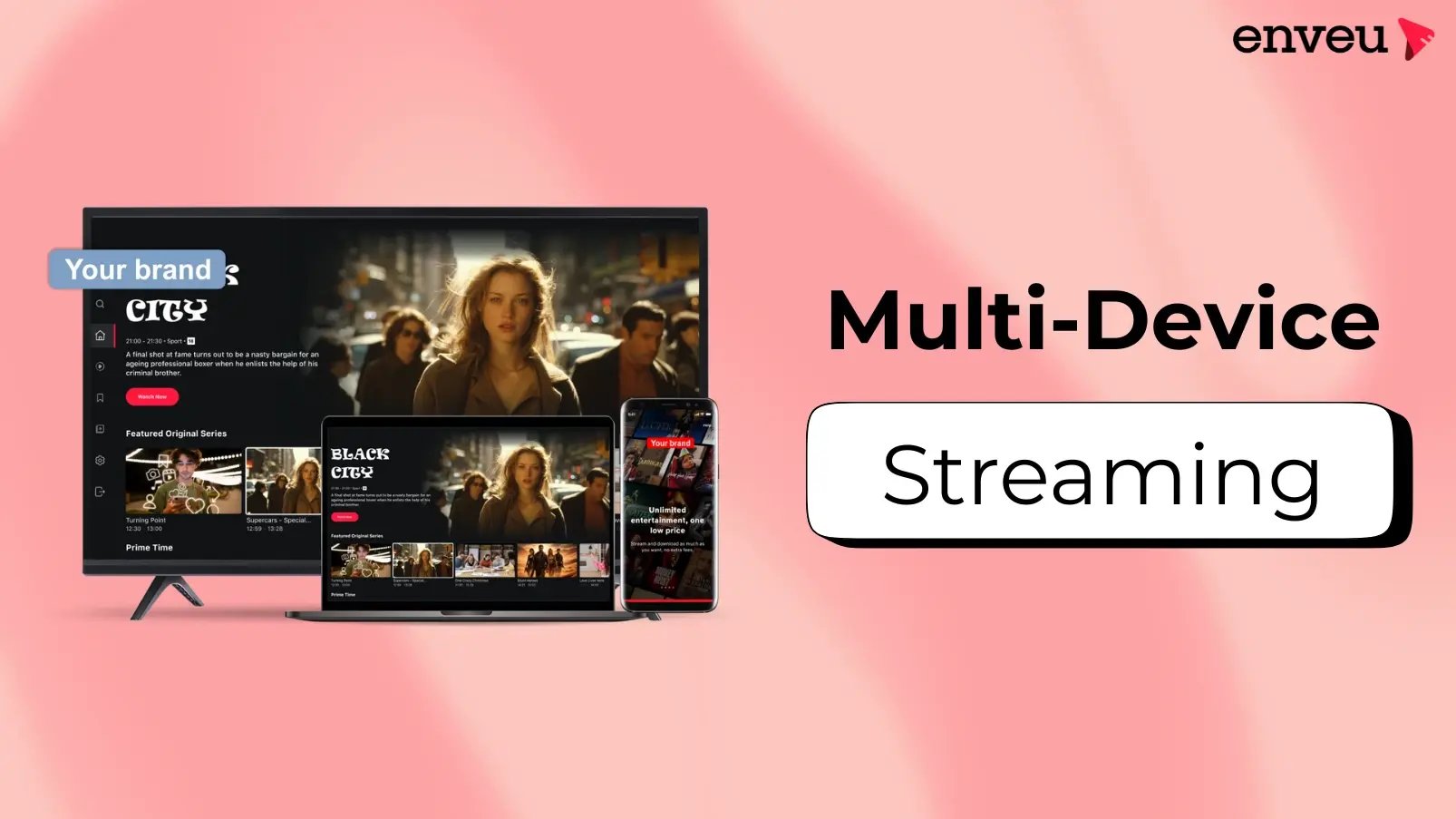
Your audience doesn't watch on one screen. They start a show on the train on their phone, finish it on the living-room TV, and catch up on a laptop at work. If your streaming service only works well on some of those, you're leaking viewers — and revenue. Being present across every device isn't a nice-to-have; it's how modern OTT platforms win and keep an audience — and increasingly that means smart-TV systems like Hisense's VIDAA OS, not just phones and streaming sticks. See media workflow automation examples for publishing the same content to every device automatically.
Multi-device (multiscreen) streaming means delivering your OTT service across phones, tablets, laptops, smart TVs and streaming devices from one back end — with a consistent experience, a single login, and playback that follows the viewer from screen to screen. It widens reach, lifts watch time and retention, and unlocks more monetization, because viewers can watch whenever and wherever they want.
What is multi-device streaming?
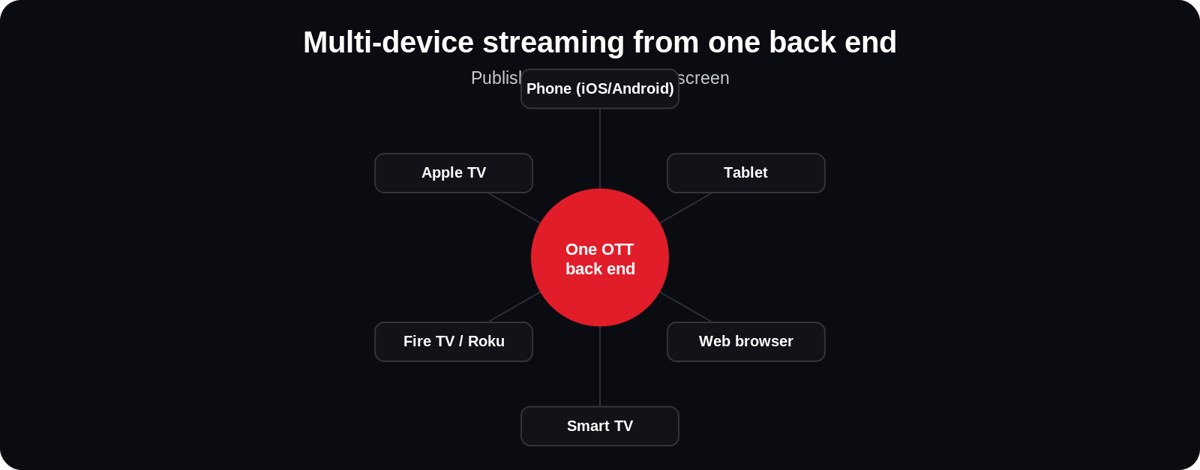
A multi-device (or multiscreen) OTT platform delivers the same content and account across many device types at once — iOS and Android phones and tablets, web browsers, and TV platforms like Apple TV, Fire TV, Roku and Android TV. The key is that it's one service: a viewer signs in once, their subscription and watch history travel with them, and the experience feels native on each screen rather than a stretched-out version of a phone app. Behind the scenes, a single content back end feeds every device, so you publish once and reach everyone.
Why being on every device matters
| Benefit | Why it matters |
|---|---|
| Wider reach | Meet viewers on whatever screen they own — no device left out, no audience lost |
| More watch time | People watch across contexts — commute, desk, sofa — so total engagement climbs |
| Higher retention | Seamless switching between screens removes friction that causes churn |
| More monetization | More screens and sessions mean more subscription value and more ad inventory |
| Better data | A unified account across devices gives one complete view of each viewer's behaviour |
The role of multi-device support in OTT monetization
Multi-device isn't just about convenience — it directly drives revenue. A subscription feels far more worth paying for when it works on every screen the household owns, which lifts conversions and cuts cancellations. For ad-supported services, every extra device and session is extra ad inventory to sell. And because the account is unified, you can run consistent entitlements — one plan, enforced everywhere — plus concurrency rules and tiered "number of screens" pricing, a proven lever the biggest streamers use. In short, the more screens you're present on, the more ways you have to earn from the same content and the same viewer. Pair it with the right monetization models and each new device compounds the return.
Features that make streaming seamless across devices
| Feature | What it does |
|---|---|
| Adaptive bitrate streaming | Adjusts quality to each device and connection so playback stays smooth in adaptive HD |
| Cross-device resume (sync) | Stop on one screen, pick up exactly where you left off on another |
| Single sign-on & entitlements | One account and subscription that works identically on every device |
| Native, device-optimised UI | A 10-foot TV interface and a touch phone UI — each built for its screen, not stretched |
| Personalized recommendations | Watch history from all devices feeds one recommendation engine |
| Offline downloads | Save to a phone or tablet for viewing without a connection |
| Multi-DRM | Protects premium content consistently across every platform's DRM system |
Multi-device for live, education and enterprise
The need is universal, but the stakes differ by use case. For live streaming — sports, events, worship — audiences arrive on every device at once at peak time, so multi-device delivery has to scale instantly and stay in sync. For educational streaming, students learn on phones during commutes and on laptops at their desks, so cross-device resume and consistent access are what make a course usable. And for enterprise and internal video — training, town halls, compliance — employees are spread across devices and locations, so reliable multi-device support with access control is essential. In every case, the platform that reaches all screens reliably serves the widest audience with the least friction.
Which devices should you support first?
You don't have to launch on every platform at once — but the order matters. Start with web and mobile (iOS + Android): they're the fastest to ship, reach the most people, and are where discovery and sign-ups happen. Add the big TV platforms next — Apple TV, Fire TV, Roku and Android TV — because that's where watch time and long viewing sessions concentrate, which is exactly what lifts retention and ad or subscription value. Layer in additional smart-TV platforms (Samsung Tizen, LG webOS, Vizio) as your audience and catalog grow. The principle: cover the screens your specific audience actually uses, in the order that balances speed-to-launch against watch-time value — and pick a platform that lets you add each new device without a fresh multi-month build.
How multi-device streaming works behind the scenes
Reaching every screen from one service depends on a shared pipeline. Content is ingested and organised once in a central CMS, then transcoded into an adaptive-bitrate ladder so each device gets a quality it can handle. A CDN delivers those streams close to viewers worldwide, and device apps — each native to its platform — play them back. Above it all sits a unified account and entitlement layer: one identity, one subscription and one watch history that every app reads from, which is what lets a viewer pause on their phone and resume on the TV. Add DRM mapped to each platform (FairPlay on Apple, Widevine on Android/Chrome, PlayReady on others) and offline downloads, and the same catalog is protected and portable everywhere. Publish once to the CMS and the change appears on every screen. Because every device reports back to the same account, personalized recommendations also improve with cross-device use: what a viewer watches on the TV shapes what they're shown on the phone, so discovery gets sharper the more screens they use — a compounding retention advantage a single-device service simply can't match.
Challenges of multi-device streaming
Doing this well is genuinely hard if you build it yourself. Every platform has its own SDK, store, review process and DRM, so "one app" is really a dozen codebases to build and keep updated as each OS evolves. Keeping the experience consistent — features, branding and content parity — across phone, web and several TV platforms takes constant work. Testing multiplies across device and OS combinations. And entitlements and playback state must stay perfectly in sync, or viewers hit "you're not subscribed" on one screen after paying on another. This is exactly why most operators don't build device apps in-house — the maintenance treadmill outweighs the launch, and a platform that ships and maintains all of them from one back end removes the whole burden.
How to deliver across every device
Building and maintaining a separate native app for each platform — iOS, Android, web, Apple TV, Fire TV, Roku, Android TV and more — is a huge, ongoing engineering job, each with its own store, SDK and rules. Enveu's apps ship your branded streaming app to 15+ platforms from one back end, with a single content library, unified accounts and entitlements, cross-device sync, adaptive delivery, offline downloads and multi-DRM built in. Publish once and your service is live, consistent and monetizable on every screen — from a phone to an OTT TV box. It's part of Experience Cloud, so content, apps and monetization run as one platform.