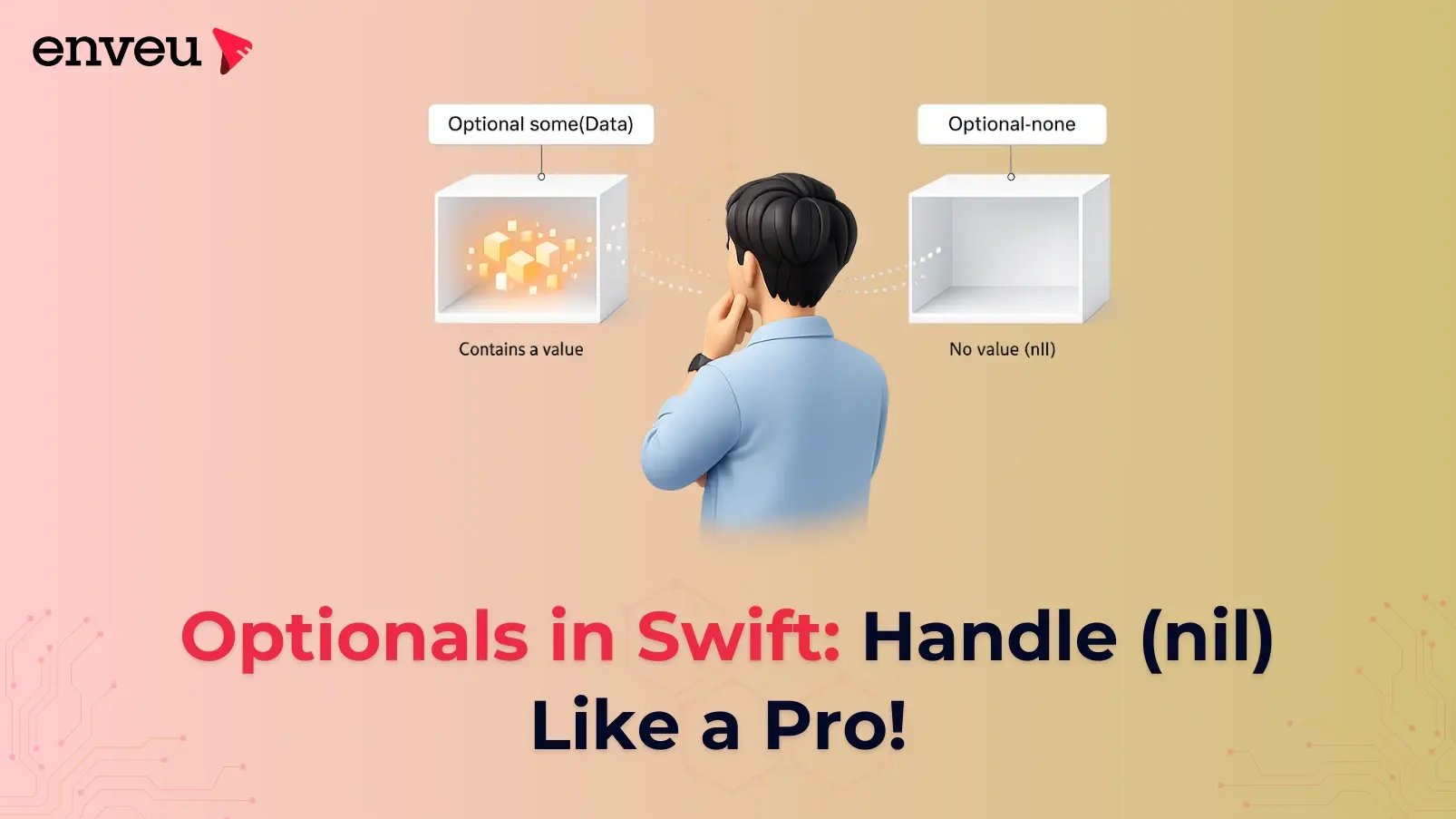
If you’re new to Swift, you’ve probably encountered the term optional. Optionals are one ofSwift’s most powerful features, allowing developers to handle the absence of a value with ease. Swift makes your code safer by using optionals, which stop unexpected crashes when a variable has an invalid value.
This article will define optionals, explain their significance, and go over several typicalpatterns that are used when working with them, such force unwrapping, nil coalescing, and optional binding. You will have a firm grasp on how to handle optionals in Swift by the conclusion of this article.
1. What Are Optionals?
An optional type in Swift is one that may store either a value or nothing at all (nil). Consider it like a box that may either be empty (nil) or contain anything (a value). Swift reduces the likelihood of crashes caused by accessing faulty memory by introducing optionals to avoid scenarios in which variables contain incorrect data.
Syntax:
To declare an optional, append a ? to the type:
var userName: String? = "Chitransh"
UserName is an optional string in this case. It can be null or hold a String value.
Example:
var age: Int? = 25  //This variable can contain an integer or be set to nil.
age = nil           // Now that we know that this variable has no value, we may set it to nil.
2. Why Use Optionals?
Accessing an uninitialized variable in several programming languages can result in crashes or unexpected behavior. By requiring developers to use optionals to indicate whether a value is present or absent, Swift avoids these problems.
For example, let's look at a method that changes a String to an Int:
let input = "123"
let convertedNumber = Int(input)  // Int(input) returns an optional Int?
Int(input) will include an integer value if the input is a valid integer string ("123"). What happens, though, if the input is "abc"? Since the string cannot be transformed into an integer in this scenario, Int(input) would return nil. This is made clear by optional features, which also promote managing the situation in when the conversion fails.
3. Optional Binding
A popular and secure method of unwrapping an optional is optional binding, which means to see whether it contains a value and, if so, utilize it. If let or guard let are used for this.
Using if let:
let possibleNumber: String? = "42"
if let number = Int(possibleNumber!) {
    print("The number is \(number)")  // This block only executes when the number is not nil.
} else {
    print("Invalid input")
}
We try to transform possibleNumber into an Int in the example above. We utilize the unwrapped number if it is successful (i.e., it is not nil). The else block executes if it is nil.
Using guard let:
If an optional is set to nil, guard let can be used to leave a function or block early.
func printAge(age: String?) {
    guard let ageValue = Int(age!) else {
        print("Invalid age input")
        return
    }
    print("Your age is \(ageValue)")
}

printAge(age: "30")  // Outputs: 30
printAge(age: "abc")  // Outputs: Invalid
Guard let is ideal for situations where you wish to return early upon failure since it causes the function to quit early if the optional fails to unwrap.
4. Nil Coalescing Operator
If the optional is nil, you can supply a default value using the nil coalescing operator (??). This is an excellent technique to make sure that, even in cases when an optional is nil, your code always has a value to deal with.
let optionalName: String? = nil
let defaultName = optionalName ?? "Guest"
print("Hello, \(defaultName)")  // Outputs: Hello, Guest
"Guest" is chosen as the backup value in this instance as optionalName is nil.
var optionalGreeting: String? = "Hello!"
let greeting = optionalGreeting ?? "Hi, there!"
print(greeting)  // Outputs: Hello!
The operator uses "Hello!" after determining whether optionalGreeting has a value. "Hi, there!" would have been used in its place if it had been nil.
5. Force Unwrapping
There are situations in which you are positive that an optional has a value and that nil is not a viable result. An exclamation point (!) can be used to force unwrap an optional in some situations.
let optionalNumber: Int? = 5
if optionalNumber != nil {
    print("The number is \(optionalNumber!)")
}
Force unwrapping should be applied cautiously, though. Your application will crash if you forcefully unwrap an optional that is nil. Only use it if you are positive that the optional has a value.
Bad Example (Avoid Crashes):
var possibleError: String? = nil
let errorValue = possibleError!  // A crash will occur during runtime since it's possibleThe error is nil.
Prior to unwrapping or using optional binding, always verify the value.
6. Optional Chaining
You may use optional chaining to call subscripts, properties, and methods on optionals that may be nil at the moment. The call will safely return nil in the event that the optional is nil, preventing a runtime error.
class Person {
    var name: String?
    var address: String?
}

let friend = Person()
friend.name = "Aman"
friend.address = "Sector 1 Noida"

if let streetName = friend.address?.uppercased() {
    print("Street: \(streetName)")
} else {
    print("No address found")
}
In this case, if friend.address crash is avoided since the chain securely returns nil when the address is nil. The address is then capitalized if it is not zero.
Conclusion
In conclusion, optionals are a fundamental component of Swift that allow it safer and more clear to handle the lack of values. Writing clear and error-free Swift code requires knowing how to handle optionals, whether you're using optional binding, nil coalescing, or optional chaining. Although force unwrapping has many uses, it should be used carefully to prevent runtime problems.
Gaining proficiency with these methods can help you build more robust and maintainable code in addition to enhancing your Swift coding abilities. In your iOS applications, have you encountered any intriguing situations with optionals? Leave a comment below with your ideas and inquiries!