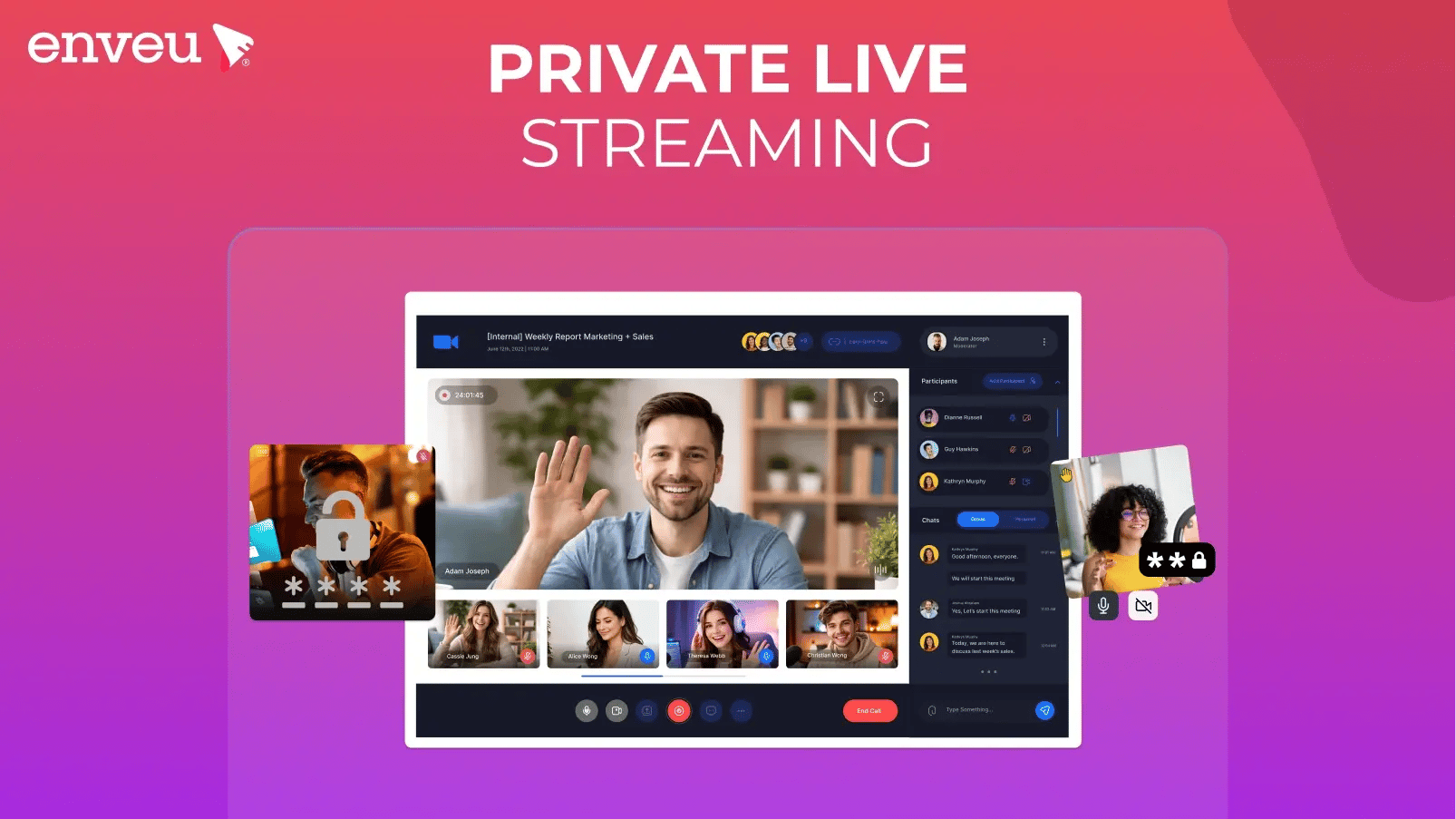
Whether you're a broadcaster running internal corporate events, a sports organisation streaming to a paid subscriber base, or a media company delivering exclusive content to members — private live streaming is a fundamentally different requirement from public broadcasting. Enveu Flow adds media workflow automation on top, converting each private stream into on-demand video, clips and captions automatically.
Public streaming platforms like YouTube Live or Facebook Live are built for reach. Private live streaming is built for control — who can watch, how they access it, what quality they receive, and how you monetise it.
This guide covers the 12+ best private live streaming platforms in 2026, what to look for when choosing one, and how to set up a private live stream the right way.
Quick Answer
A private live streaming platform lets you broadcast live video to a restricted, invited, or paid audience — with password protection, token-based access, or subscription gating. Unlike YouTube or Facebook Live, private platforms give you full control over who watches, no public visibility, and typically no third-party ads or branding. The best options for media companies and broadcasters in 2026 include Enveu, Vimeo Livestream, IBM Video Streaming, Brightcove, and Dacast.
What Is Private Live Streaming?
Private live streaming is the delivery of live video content to a controlled, non-public audience. The stream is not discoverable by search engines or the general public — access is restricted by:
- Password protection — viewers enter a password to watch
- Token or invite-based access — unique links sent to approved viewers
- Subscription or paywall gating — viewers must subscribe or pay (SVOD/TVOD)
- IP restriction — only viewers on approved networks can access the stream
- Domain restriction — the stream only plays when embedded on your own website
Private live streaming is used across a wide range of industries and use cases — from corporate town halls and internal training sessions to pay-per-view sports events, faith-based community broadcasts, and premium fitness classes.
Who Uses Private Live Streaming?
- Corporations – For internal meetings, all-hands broadcasts, and training.
- Educational Institutions – Secure online classes and webinars.
- Media & Entertainment – Exclusive pay-per-view (PPV) events.
- Healthcare – HIPAA-compliant telemedicine consultations.
- Fitness & Coaching – Members-only workout sessions
Private Live Streaming vs Public Live Streaming
| Feature | Private Live Streaming | Public Live Streaming |
|---|---|---|
| Audience access | Restricted / invite-only / paid | Open to anyone |
| Discoverability | Not publicly searchable | Indexed by search engines |
| Branding | Fully branded (your brand) | Platform-branded (YouTube, etc.) |
| Monetisation | SVOD, TVOD, AVOD — your model | Platform ad revenue share |
| Analytics | Full audience data | Limited, platform-controlled |
| DRM / Security | Full DRM support | Basic or none |
| Ads on stream | None (unless you choose) | Platform ads by default |
| Suitable for | Media companies, broadcasters, enterprises | Creators, general public |
What to Look for in a Private Live Streaming Platform
Before comparing platforms, know what features actually matter for your use case:
1. Access Control The platform must support genuine access restriction — not just an unlisted link. Look for token-based authentication, password protection, or subscription gating built into the player.
2. DRM and Encryption For professional or paid content, Digital Rights Management (DRM) is non-negotiable. Look for support for Widevine, FairPlay, and PlayReady — the three major DRM standards.
3. Monetisation Options If you're charging for access, you need SVOD (subscription), TVOD (pay-per-view), or AVOD (ad-supported) built in — not a workaround using third-party payment links.
4. Stream Quality and Reliability Look for adaptive bitrate streaming (ABR), CDN delivery, and guaranteed uptime SLAs — especially for live events where downtime means lost revenue.
5. White-Label and Branding Your viewers should see your brand — not the platform's. A true white-label private streaming platform removes all third-party branding from the player and the experience.
6. Analytics Real-time viewer data, session duration, concurrency peaks, and drop-off rates are essential for understanding your audience and improving future streams.
7. Device Compatibility Your stream should work on web browsers, mobile apps (iOS and Android), smart TVs, Apple TV, Roku, Fire TV, and connected TV devices — wherever your audience watches.
8. Multi-Language and Regional Support If you're streaming to international audiences, look for multi-language subtitle support, right-to-left UI compatibility, and geo-targeting capabilities.
Private live streaming apps: watching on mobile and TV
A private live stream isn't only a web player — most audiences watch in a private live streaming app on their phone or TV. To reach them, your platform needs native apps (iOS, Android, and connected-TV like Apple TV, Fire TV, Roku, Android TV) that carry the same access control — login, subscription or token gating — into the app, so only authorised viewers get in on every screen. This is the main gap between a web-only streaming tool and a full OTT platform: web tools give you a private link, but a private live streaming app on every device needs a provider that ships and maintains those apps for you. It is also where the "free" question comes up — free tools (OBS plus a private RTMP link) can restrict a web stream, but they don't give you branded apps, DRM or monetization; for a real private streaming business those require a paid platform.
12+ Best Private Live Streaming Platforms in 2026
1. Enveu
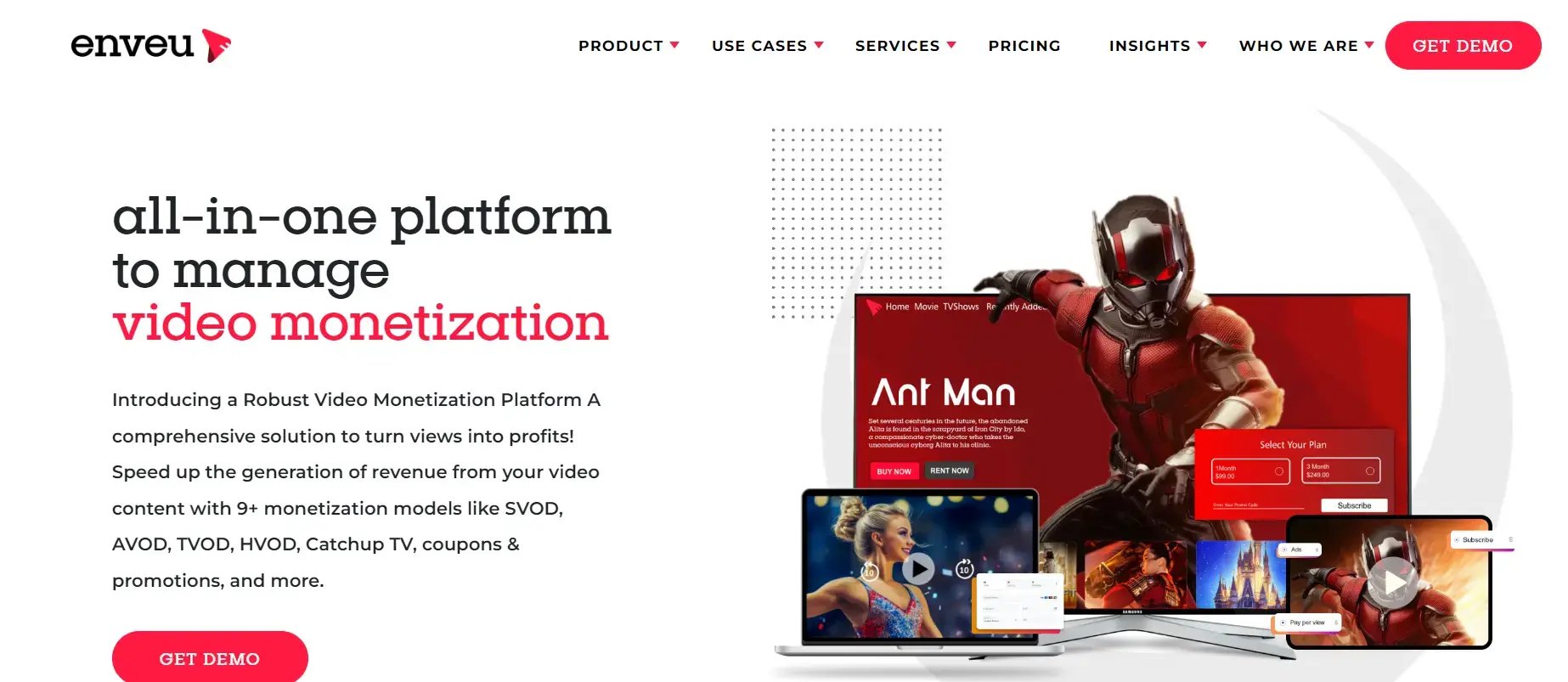
Best for: Media companies, broadcasters, sports organisations, and OTT platform operators who want a fully branded private live streaming solution across web, mobile, and connected TV.
Enveu's Experience Cloud is a full OTT platform with private live streaming built in — not bolted on. It's designed for media companies that need a complete, branded streaming infrastructure rather than just a hosted video player.
Key features:
- Live streaming with DVR, catch-up, and live-to-VOD workflows
- SVOD, AVOD, TVOD, and hybrid monetisation — all models supported
- Widevine, FairPlay, and PlayReady DRM
- Native apps across Apple TV, Android TV, Roku, Fire TV, iOS, Android, and web
- Real-time analytics and concurrency management
- Deep linking for campaign-driven live event promotion
- Multi-language and RTL support
- No revenue share — you keep 100% of subscription revenue
Ideal for: Broadcasters, sports leagues, faith-based platforms, fitness brands, and media companies launching or scaling an OTT streaming service.
See Enveu's Live Streaming Solution →
2. OnTheFly
OnTheFly is an enterprise-grade live streaming platform designed for businesses requiring secure, high-quality video delivery. The platform specializes in low-latency streaming with robust privacy controls, making it ideal for corporate communications, virtual events, and premium content distribution.
Key OnTheFly Features Include:
- Ultra-Low Latency Streaming: Sub-500ms delay for real-time interactions
- Military-Grade Encryption: AES-256 with optional DRM integration
- Custom Branded Portal: White-label solution with your logo and colors
- Interactive Video Tools: Live polls, Q&A, and audience analytics
- Multi-Camera Production: Support for professional broadcast setups
- Global CDN Network: 50+ edge locations worldwide
OnTheFly Pricing:
Starts at $99/month for basic streaming, with enterprise plans available upon request.
3. MirrorFly
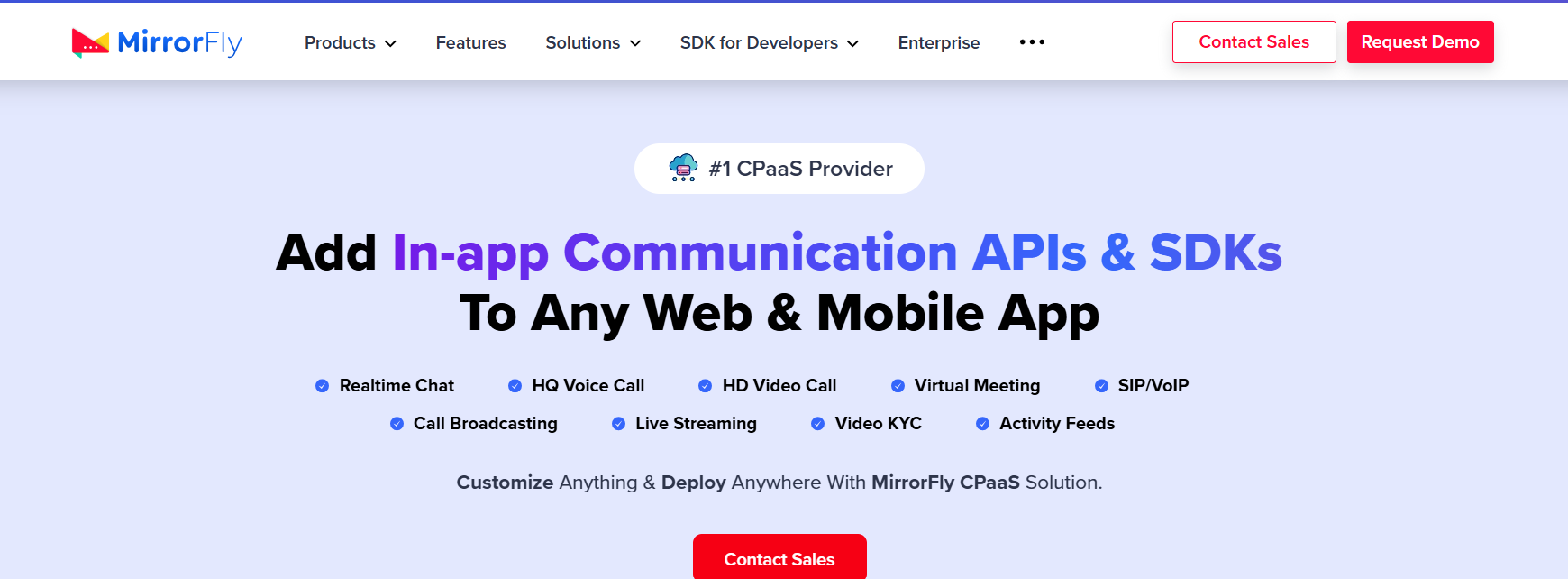
MirrorFly is a customizable video API platform offering secure live streaming solutions with SDKs for seamless integration into existing applications.
Key MirrorFly Features Include:
- End-to-End Encrypted Streaming
- Customizable UI Components
- Real-Time Messaging Integration
- Screen Sharing Capabilities
- Scalable Infrastructure
MirrorFly Pricing:
Custom pricing based on usage and features.
4. Dacast
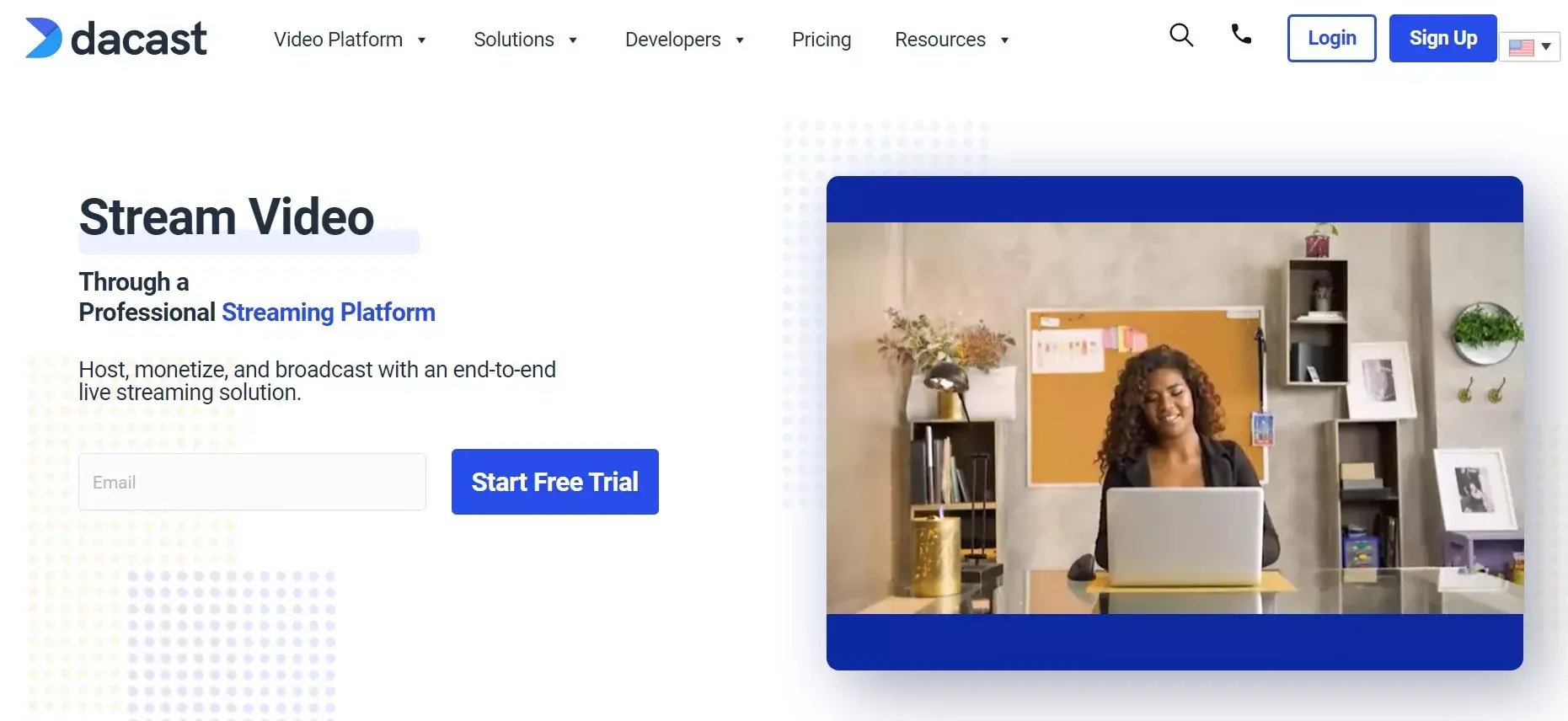
Dacast is a professional streaming platform combining broadcast-grade features with enterprise security for content owners and businesses.
Key Dacast Features Include:
- Ad-Free White-Label Player
- Pay-Per-View Monetization
- Multi-Bitrate Adaptive Streaming
- Advanced API for Customization
- China Video Delivery Option
Dacast Pricing:
- Starter: $39/month (50GB storage)
- Event: $63/month (6TB bandwidth)
- Scale: $188/month (24TB bandwidth)
5. GUDSHO
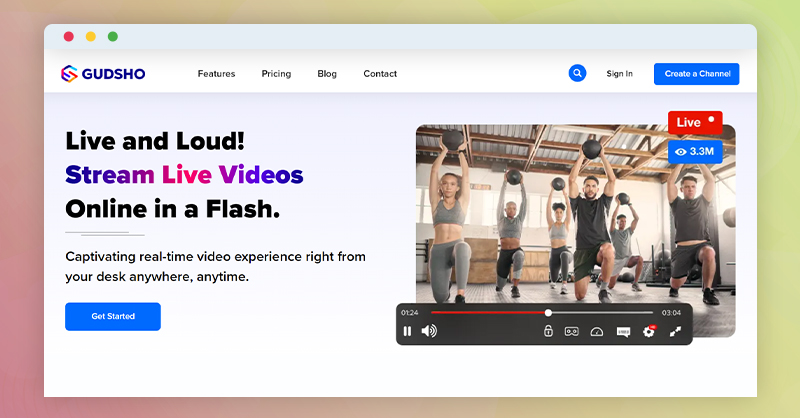
GUDSHO is the premier choice for artists, performers, and premium content creators who refuse to compromise on production quality. Designed specifically for the entertainment industry, it combines broadcast-grade streaming with innovative monetization tools that put creators first.
Key GUDSHO Features Include:
- 4K Ultra HD Streaming with HDR10+: Delivers cinema-quality visuals with 10-bit color depth and dynamic metadata
- Virtual Box Office: Advanced ticketing system with reserved seating, VIP packages, and group discounts
- Merchandise Live Integration: Real-time product showcases with "Buy Now" overlays during streams
- Artist Royalty Dashboard: Detailed breakdowns of ticket sales, merch revenue, and fan demographics
- Multi-Camera ISO Recording: Record each camera feed individually for post-production
- Global Low-Latency CDN: <1.5s delay across North America, Europe, and Asia via 200+ PoPs
Ideal For:
• Concert live streams
• Masterclass workshops
• Gallery openings
• Fashion show broadcasts
6. Vimeo Livestream
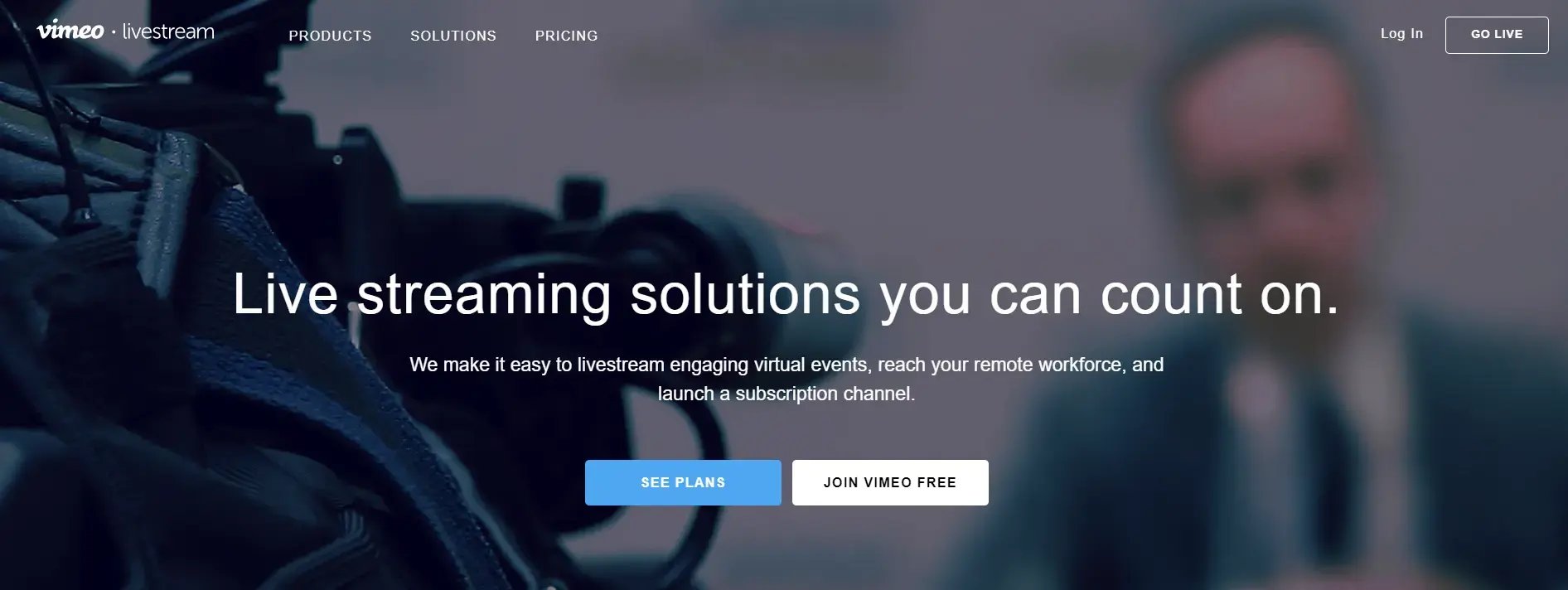
Vimeo Livestream sets the gold standard for professional organizations needing reliable, high-fidelity streaming with enterprise-grade security.
Key Vimeo Livestream Features Include:
- ProRes 422 HQ Encoding: Broadcast-quality 4:2:2 color sampling for accurate skin tones
- HIPAA-Compliant Streaming: For healthcare and telemedicine applications
- Interactive Webinars: Polls, hand raising, and breakout rooms for up to 1,000 attendees
- Automated Closed Captions: AI-generated with 98% accuracy in 15 languages
- Sponsorship Slots: Designated ad positions that don't interrupt content
Technical Specifications:
• Supports SRT and RTMP ingest
• 8-channel audio mixing
• NDI|HX camera compatibility
Vimeo Pricing:
- Premium: $75/month (720p max, 5 simultaneous streams)
- Enterprise: $1,250/month (4K, 25 streams, SLA guarantee)
- Education Discount: 40% off for accredited institutions
7. JW Player
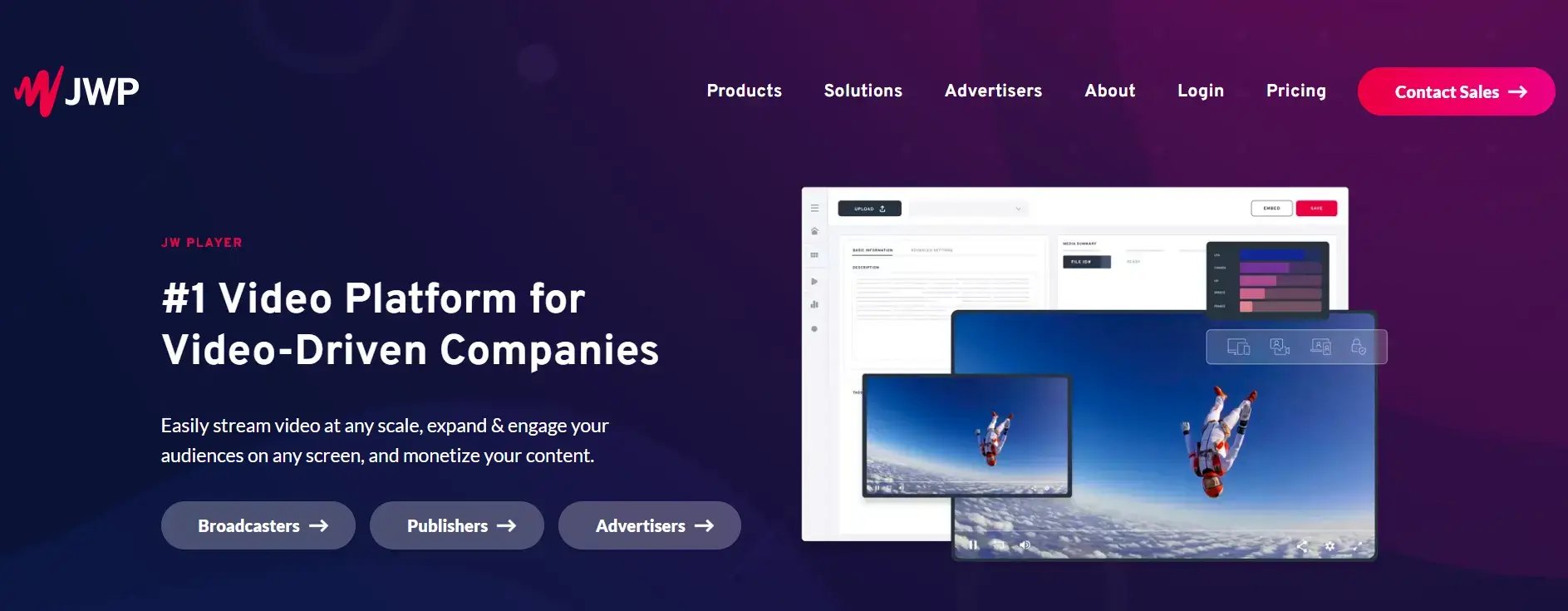
JW Player has become the backbone of digital video infrastructure for publishers who demand advanced monetization and audience insights.
Key JW Player Features Include:
- Programmatic Ad Stack: Prebid, Google Ad Manager, and FreeWheel integration
- Content Clustering: AI that automatically organizes video libraries
- Viewer Attention AI: Predicts drop-off points and suggests edits
- Broadcast-to-Social: Auto-clips formatted for TikTok, Reels, Shorts
- DEI Analytics: Measures on-screen representation metrics
Ad Tech Capabilities:
• Server-side ad insertion (SSAI)
• Dynamic ad podding
• Brand suitability controls
JW Player Pricing:
- Starter:
- 0.25CPM+
- 0.25CPM+500/month base
- Enterprise:
- 0.15CPM+
- 0.15CPM+15k/month minimum
8. Streamyard
Streamyard has democratized professional live production by eliminating complex hardware requirements through its intuitive browser-based studio.
Key Streamyard Features Include:
- Virtual Green Screen: AI-powered background removal
- Live Call-In: Let viewers join via phone audio
- Multi-Stream Analytics: Compare performance across platforms
- Audio Ducking: Auto-adjusts music when speaking
- Clip Generator: Auto-creates highlights during stream
Unique Capabilities:
• Guest pre-live green room
• Custom RTMP destinations
• Stream to LinkedIn natively
Streamyard Pricing:
- Basic: $25/month (remove watermark, 720p)
- Professional: $49/month (1080p, 10 guests)
- Business: $99/month (4K, 20 guests, analytics)
9. Wowza
Wowza powers the world's most demanding streaming applications where failure is not an option, from stock exchanges to emergency response systems.
Key Wowza Features Include:
- Ultra-Low Latency: 250ms glass-to-glass using WebRTC
- Frame Synchronization: Perfect sync across distributed viewers
- SCTE-104/35 Markers: For broadcast ad insertion
- Jitter Correction: Handles 30% packet loss without drops
- Redundant Origins: Active-active failover across data centers
Use Cases:
• Live sports betting platforms
• Drone racing broadcasts
• Remote surgery transmissions
Wowza Pricing:
- Basic: $149/month (1TB outbound)
10. IBM Cloud Video
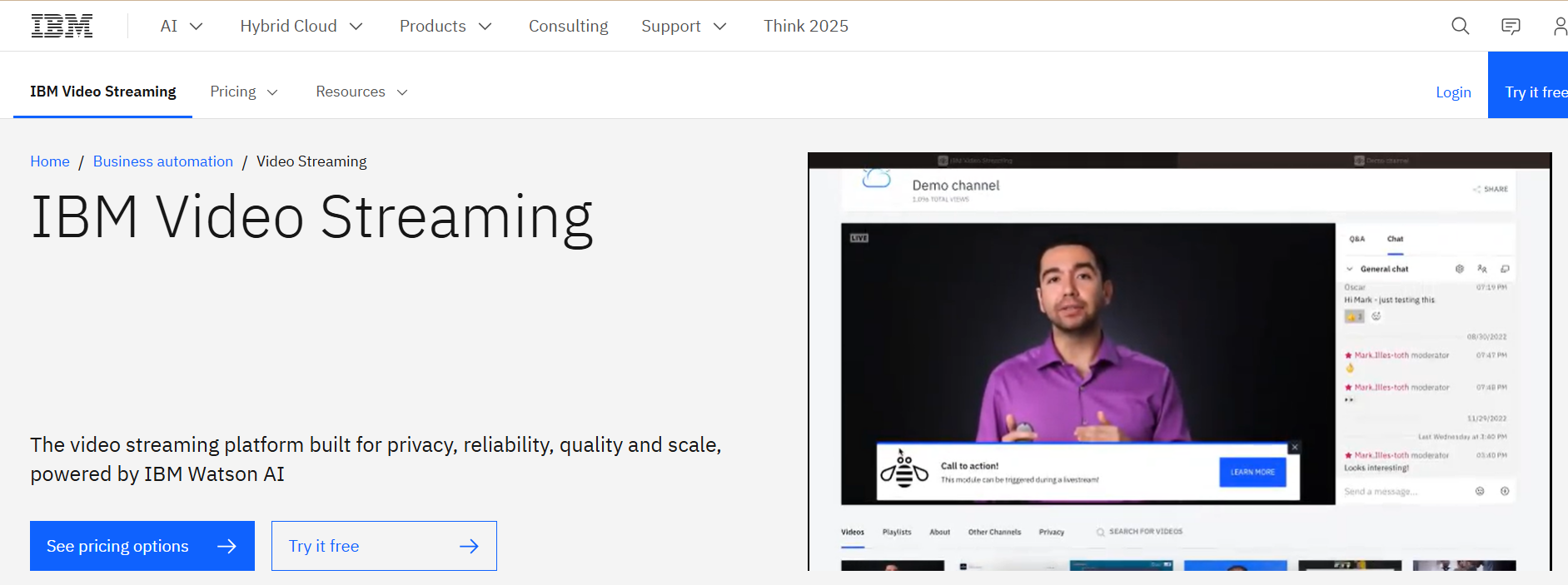
IBM Cloud Video delivers military-grade secure streaming for Fortune 500 companies and government agencies requiring the highest levels of compliance and data protection.
Key IBM Cloud Video Features Include:
- Quantum-Safe Cryptography: Post-quantum encryption algorithms
- FIPS 140-2 Validated: Meeting U.S. government security standards
- AI Content Moderation: Real-time detection of 120+ objectionable content categories
- Blockchain Rights Management: Immutable content licensing records
- Watson Speech Analytics: Sentiment analysis and keyword spotting
Security Certifications:
• ISO 27001, 27017, 27018
• SOC 2 Type II
• HIPAA/HITECH compliant
IBM Cloud Video Pricing:
- Silver: $99/month (100 viewer hours, basic analytics)
- Gold: $499/month (1,000 viewer hours, AI moderation)
- Platinum: $1,999/month (unlimited, includes hardware options)
11. Brightcove
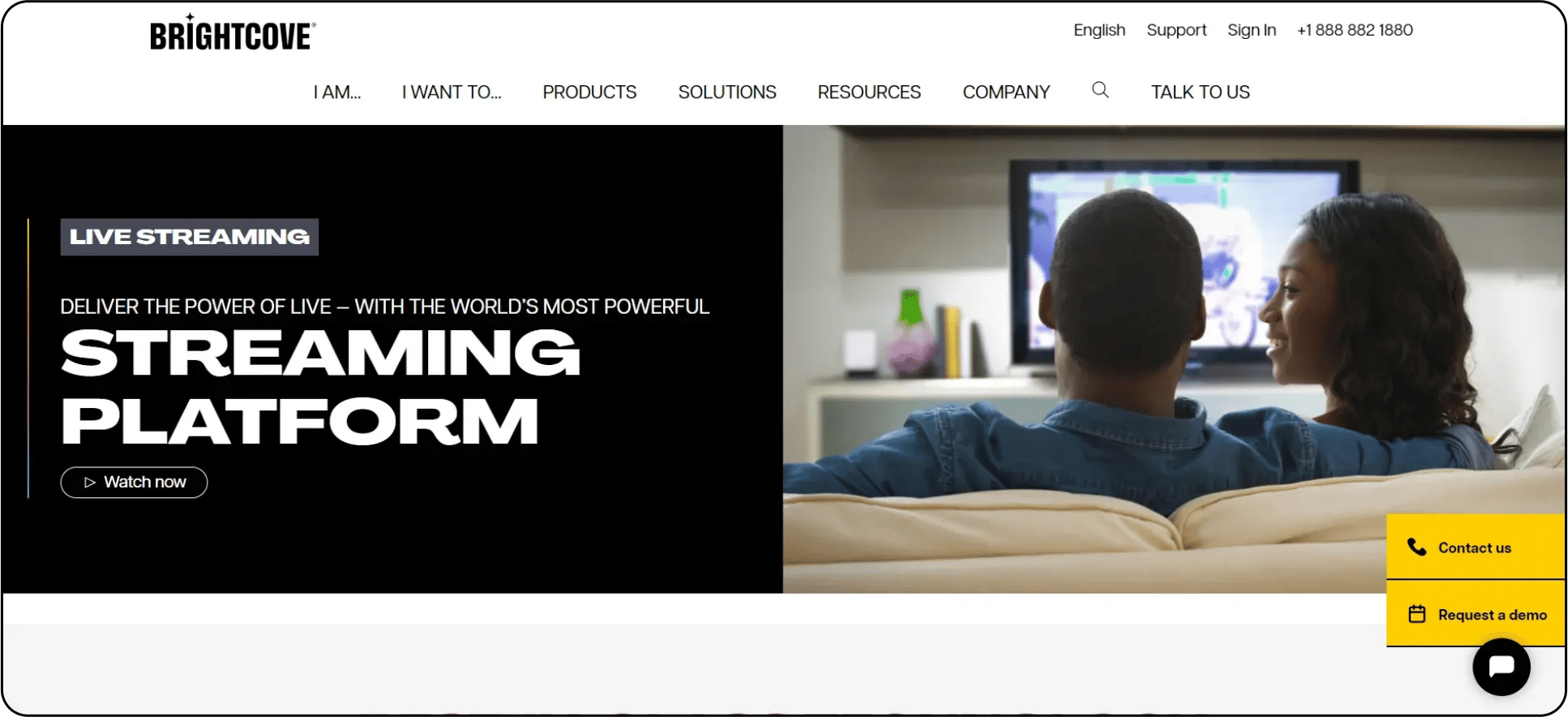
Brightcove is the powerhouse behind major media companies' OTT platforms, offering broadcast-to-digital workflow solutions.
Key Brightcove Features Include:
- Broadcast Playout Automation: 24/7 scheduled linear streams
- Dynamic Ad Replacement: Contextual targeting based on real-time content analysis
- TV Everywhere Auth: Integration with 200+ cable providers
- Frame-Level Metadata: Content-aware advertising
- HDR10+ & Dolby Vision: Premium format support
Content Workflow:
• Ingest via AS-02, IMF, or SMPTE 2110
• Automated QC with VQC technology
• Just-in-time packaging for all formats
Brightcove Pricing:
- Starter: $199/month (50GB storage, 500GB bandwidth)
- Professional: $999/month (10TB combined)
- Enterprise: Custom (typically $15k+/month)
12. Kaltura
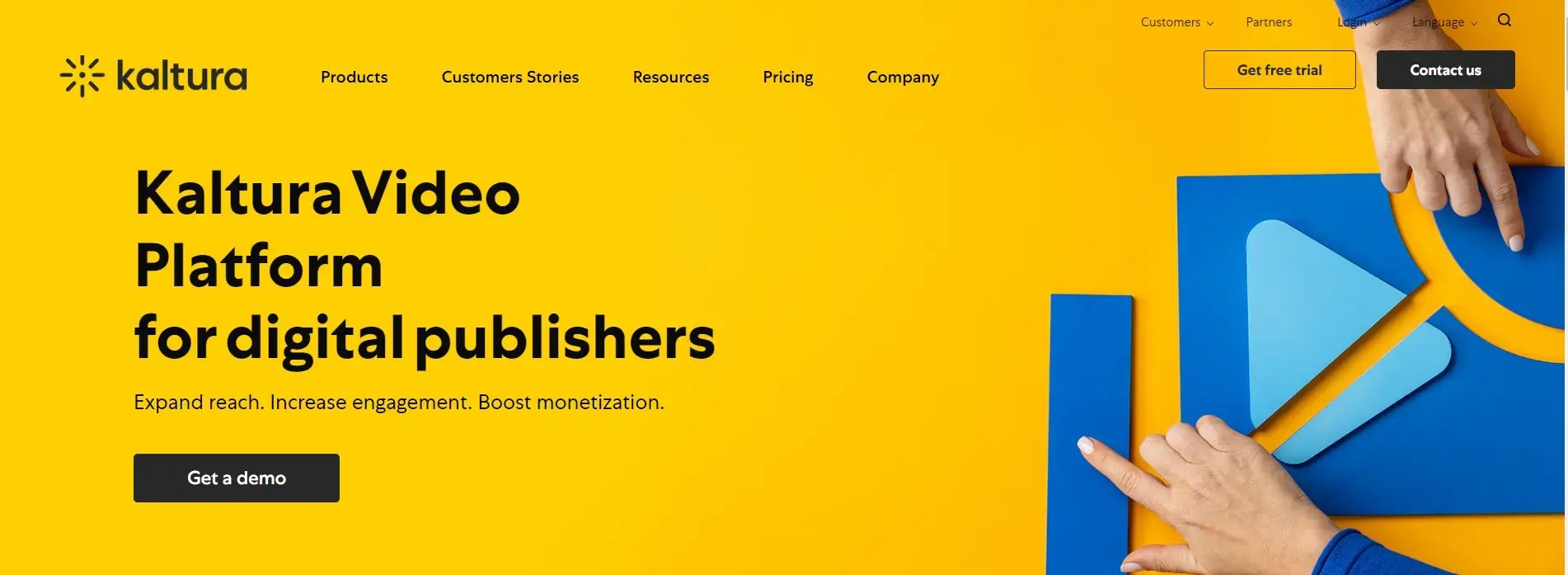
Kaltura's open-source video platform provides unparalleled flexibility for organizations needing complete control over their streaming infrastructure.
Key Kaltura Features Include:
- Self-Hosted Option: Full control over data residency
- LMS Deep Integration: LTI 1.3 compliant for education
- Video Editing as a Service: Cloud-based nonlinear editor
- Dynamic Watermarking: User-specific forensic marking
- WebRTC Classroom: Virtual learning environment
Education-Specific Tools:
• Automated lecture capture
• Proctoring integration
• ADA/Section 508 compliance
Kaltura Pricing:
- Community Edition: Free (self-supported)
- Enterprise Cloud: $0.05/min encoded
- On-Premises: $50k+ annual license
13. Muvi
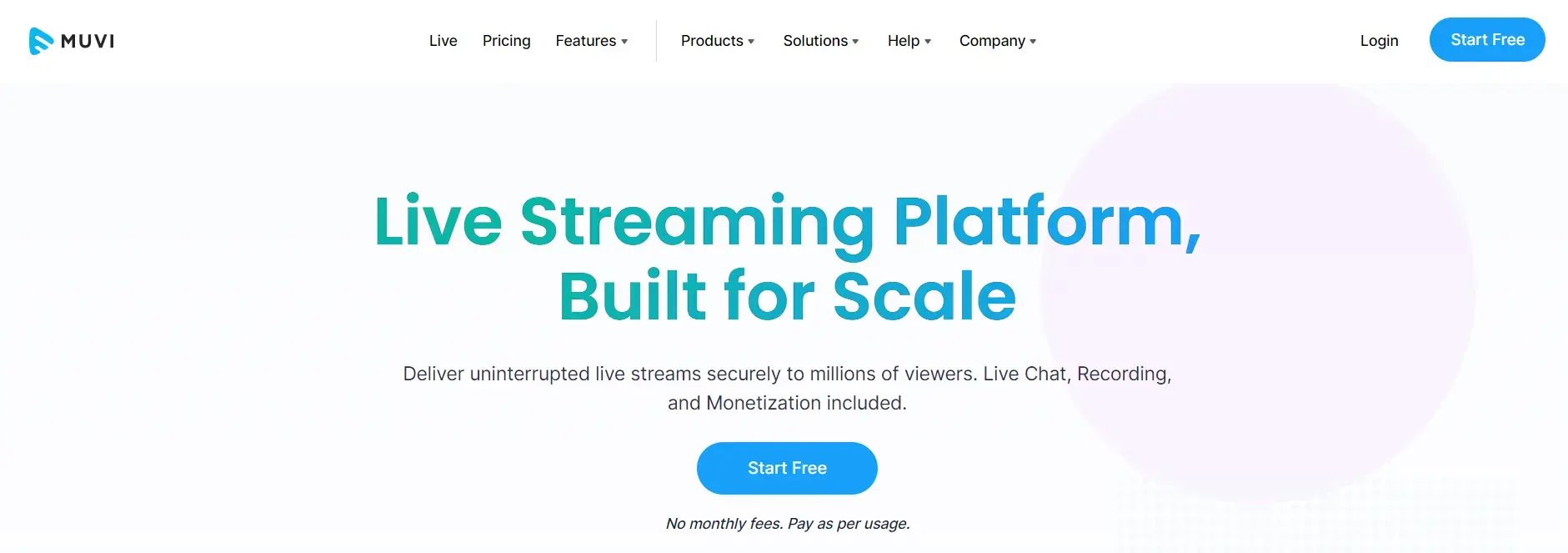
Muvi provides the most complete out-of-the-box solution for launching branded OTT services across all platforms.
Key Muvi Features Include:
- Multi-Tenant Architecture: Launch reseller platforms
- Live Commerce: Shoppable videos with instant checkout
- Unified CMS: Manage web, mobile, and TV apps from one dashboard
- Auto-Subtitling: 50+ language support
- Federated Search: Across multiple content libraries
Supported Platforms:
• iOS, Android, Roku, Fire TV, Apple TV, Android TV
• Xbox, PlayStation, Samsung/LG Smart TVs
• PWA for web distribution
Muvi Pricing:
- Standard:
- 399/month+
- 399/month+0.02/stream
- Ultimate: $1,499/month (unlimited streams)
- Black: Custom (for telecom-scale deployments)
Platform Comparison at a Glance
| Platform | White-Label | DRM | Monetisation | Mobile/CTV Apps | Best For |
|---|---|---|---|---|---|
| Enveu | ✅ Full | ✅ All 3 | ✅ SVOD/AVOD/TVOD | ✅ 15+ platforms | OTT operators & broadcasters |
| Vimeo Livestream | ⚠️ Partial | ❌ | ❌ Built-in | ❌ | Corporate events |
| IBM Video Streaming | ✅ | ✅ | ⚠️ Limited | ⚠️ | Large enterprises |
| Brightcove | ✅ | ✅ | ✅ | ⚠️ | Publishers |
| Dacast | ✅ | ✅ | ✅ | ❌ | Mid-size operators |
| Kaltura | ✅ | ✅ | ✅ | ✅ | Education & enterprise |
| Wowza | ✅ | ✅ | ⚠️ | ⚠️ | Technical teams |
| Muvi | ✅ | ✅ | ✅ | ✅ | OTT operators |
| JW Player | ⚠️ | ✅ | ⚠️ | ❌ | Publishers |
| Zoom Events | ❌ | ❌ | ❌ | ⚠️ | Corporate webinars |
How to Set Up a Private Live Stream: Step-by-Step
Follow these steps to set up a professional private live stream from scratch:
Step 1: Define your access model Decide how you want to restrict access — password protection (simple events), subscription gating (recurring content), pay-per-view (one-off events), or token/invite-based (corporate/internal). Your access model determines which platform you need.
Step 2: Choose your platform Match your use case to the right platform using the comparison above. For media companies and broadcasters, a full OTT solution like Enveu gives you the most control. For simple corporate events, Vimeo or Zoom may be sufficient.
Step 3: Set up your encoder Connect your video source (camera, switcher, or screen capture) to a streaming encoder — either software (OBS, vMix, Wirecast) or hardware. Configure the encoder with your platform's RTMP ingest URL and stream key.
Step 4: Configure access restrictions Inside your platform, set up your access controls — create your paywall, set passwords, configure SSO or token authentication, or set up your subscription plans.
Step 5: Enable DRM If your content is premium or licensed, enable DRM protection in your platform settings. Ensure Widevine (Android/Chrome), FairPlay (iOS/Safari/Apple TV), and PlayReady (Windows/Edge) are all active.
Step 6: Test your stream end-to-end Run a full test stream before your live event — including checking access from multiple devices and network conditions. Test your player at different bitrates to confirm adaptive bitrate streaming is working correctly.
Step 7: Set up analytics Configure your real-time analytics dashboard before going live. Monitor concurrent viewers, buffering ratios, and geographic distribution during the event.
Step 8: Promote and distribute Use deep links, email campaigns, push notifications, and in-app banners to drive viewers to your private stream. For subscription-gated streams, ensure your sign-up flow is tested and frictionless.
Step 9: Go live and monitor Launch your stream and monitor the dashboard in real time. Have a technical contact on standby to respond to any stream health issues during the event.
Step 10: Convert to VOD After the live event, use your platform's live-to-VOD workflow to automatically make the recording available on demand — so you continue generating value from the content after the live window closes.
How Enveu Powers Private Live Streaming for Media Companies
For broadcasters, sports organisations, and OTT platform operators, private live streaming isn't a standalone feature — it's part of a larger operational infrastructure. Enveu's Experience Cloud is built for this.
What Enveu delivers for private live streaming:
Secure Ingest and DRM Enveu supports RTMP/RTMPS ingest from professional encoders and applies Widevine, FairPlay, and PlayReady DRM across all delivery endpoints — web, mobile, and connected TV.
Subscription and Pay-Per-View Gating Built-in SVOD, TVOD, and AVOD monetisation — viewers must authenticate and pay before accessing any live stream. No third-party paywall workarounds needed.
Playout and Live-to-VOD Run scheduled linear channels, live events, and automatic live-to-VOD conversion — all from one platform. Your production team manages the schedule; Enveu handles the delivery.
Native Apps on Every Screen Your private live stream reaches viewers on Apple TV, Android TV, Roku, Fire TV, iOS, Android, and web — all under your brand, not Enveu's.
Concurrency Management Control simultaneous stream limits per subscription tier to prevent account sharing and protect your revenue model.
Real-Time Analytics Monitor peak concurrency, session duration, buffering events, completion rates, and geographic distribution — live, during the event.
Enveu gets media companies live in 4–6 weeks — with no revenue share and full code ownership. Book a Free Demo → Explore Live Streaming →
Conclusion
Private live streaming has moved from a niche requirement to a standard expectation for any media company, broadcaster, or OTT operator distributing premium content.
The right platform depends on your scale, technical resource, and monetisation model. For simple corporate events, tools like Vimeo or Zoom get the job done. For media companies and broadcasters building a real streaming business — with paid subscribers, multi-device delivery, and long-term growth goals — a full OTT platform is the right foundation.
Enveu has helped broadcasters, sports organisations, and media companies across Asia, North America, and the Middle East launch private live streaming products that generate real, sustainable revenue.
Key Takeaways
- Private live streaming restricts access to authorised audiences — via passwords, subscriptions, pay-per-view, or tokens
- The best platform depends on your use case — corporate events, media broadcasting, and OTT platforms have different requirements
- For media companies and broadcasters, a full OTT solution (Enveu, Muvi, Kaltura) gives more control than a standalone streaming tool
- DRM is essential for paid content — ensure your platform supports Widevine, FairPlay, and PlayReady
- White-labelling matters — your viewers should see your brand, not the platform's
- Live-to-VOD conversion extends the value of every live event
- Enveu delivers private live streaming with full DRM, monetisation, CTV apps, and analytics — in 4–6 weeks, no revenue share
FAQ: Private Live Streaming Platforms