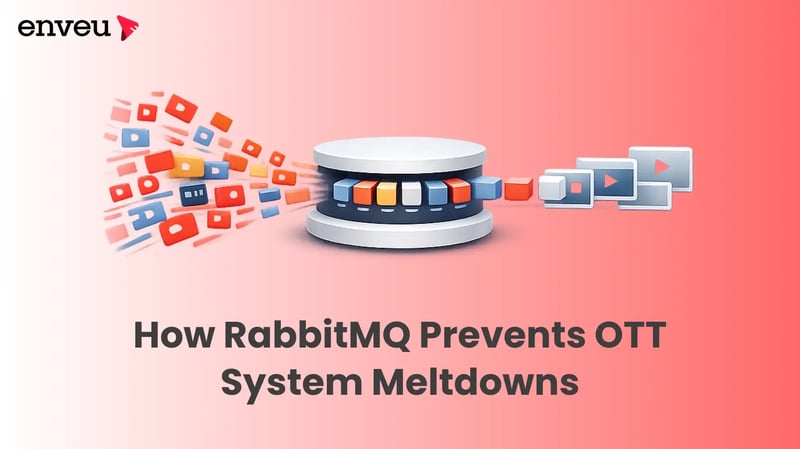
Every so often, live streaming and on-demand OTT platforms get hit with massive traffic spikes. Maybe it’s the premiere of a new series, a championship game, or a big ad campaign. Suddenly, millions of people are trying to log in, make purchases, subscribe all at once. When this rush targets your payment processing, entitlement checks, or notification systems, stuff can grind to a halt. Transactions get stuck, the site crashes, and, worst of all, you lose money. RabbitMQ steps in here as a buffer and traffic cop. It smooths out those spikes, isolates problems, and gives your team time to recover without everything collapsing.
Why Messaging Brokers Matter in OTT
Think about all the moving parts: mobile apps, web clients, payment gateways, CDNs, ad platforms they’re all constantly sending and receiving events. And when they all try to process stuff at the same time, things can jam up fast. The slowest part drags everyone else down. That’s where a message broker like RabbitMQ helps. Instead of a wild rush, RabbitMQ turns the chaos into a steady, manageable flow. Producers send messages at any pace, and consumers pick them up when they’re ready. This separation keeps your whole system from blowing up under pressure.
Key Benefits
RabbitMQ brings a few big wins to the table:
- Load leveling: It buffers sudden surges, so your backend has a chance to catch up, instead of just failing.
- Decoupling: You can scale producers and consumers separately. If something breaks, it’s usually just a local issue not a disaster for the whole system.
How RabbitMQ Prevents Overload
If you want your message queues to survive broker restarts, always publish with persistent delivery mode. That way, you don’t lose events when things go sideways.
Some practical tactics:
- Acks/Nacks and at-least-once delivery: Only acknowledge a message after it’s processed successfully. If something goes wrong temporarily, nack the message and send it to retry logic instead of dropping it. Permanent failures go to dead-letter queues, where you’ll need to handle them manually.
- Prefetch (QoS): Set a reasonable prefetch count per worker say, 10 to 50 messages, depending on how fast they process. This keeps memory and CPU usage under control and prevents workers from getting overwhelmed.
- Dead-letter exchanges & retry policies: Don’t let failing messages loop forever. Use delayed queues for the tricky ones so you can review and fix them instead of just retrying endlessly.
Operational Readiness and Observability
To keep things running smoothly, you need good visibility. Watch your queue depths, track ready and unacknowledged messages, keep an eye on the number of consumers, and monitor memory usage. Tools like Prometheus and Grafana help you spot trouble early like queues growing too fast or dead-letter queues filling up so your ops team can jump in before customers notice anything.
Use correlation IDs to trace events from start to finish through your logs. This becomes a lifesaver during incident recovery especially when you’re short on time. If you fix an issue, you can replay events from the dead-letter queue with replay tools.
And don’t forget automating graceful draining and rolling deploys for your consumers. This way, you avoid gaps in processing when you roll out updates. And don’t forget automate graceful draining and rolling deploys for your consumers. This way, you avoid gaps in processing when you roll out updates.
Conclusion
RabbitMQ won’t magically fix a bad system design. But it gives you solid, proven ways to keep sudden traffic surges from wrecking your OTT platform. With good monitoring, smart delivery controls, idempotent processing, retries, dead-letter queues, and durable queues, your team can keep logic tight and services online even when things get crazy.