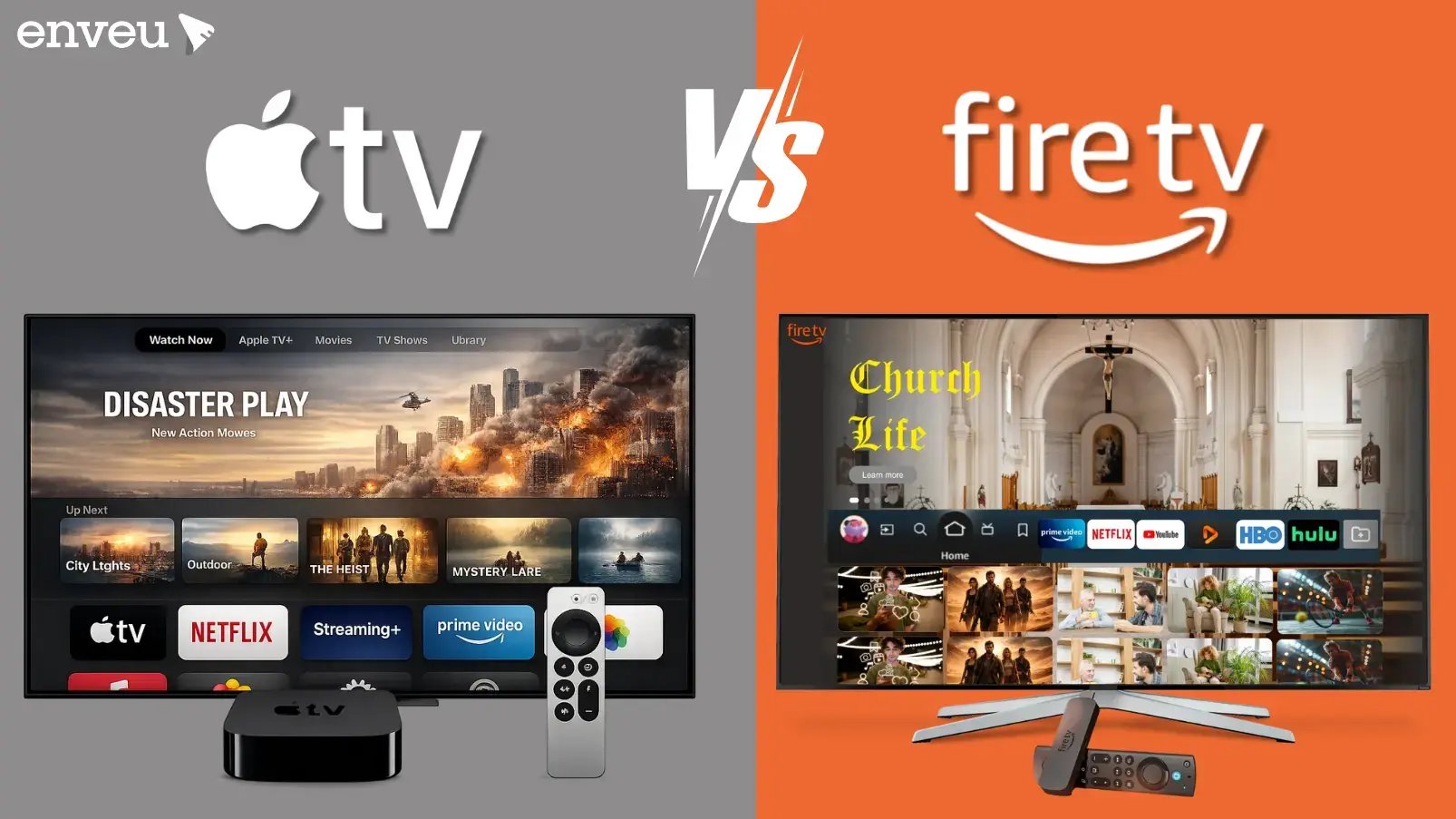
Apple TV is the premium choice — faster, smoother, and best if you're in the Apple ecosystem — while the Fire TV Stick is far cheaper, tightly tied to Amazon and Alexa, and the better value for most viewers. Both stream the same major apps in up to 4K HDR, so the choice is about experience and cost, not what's available to watch. Pick Apple TV for performance and Apple integration; pick Fire TV Stick for price and Amazon integration. For content owners the answer is different: you publish to both, because your audience is split across them.
Apple TV vs Fire TV Stick at a glance
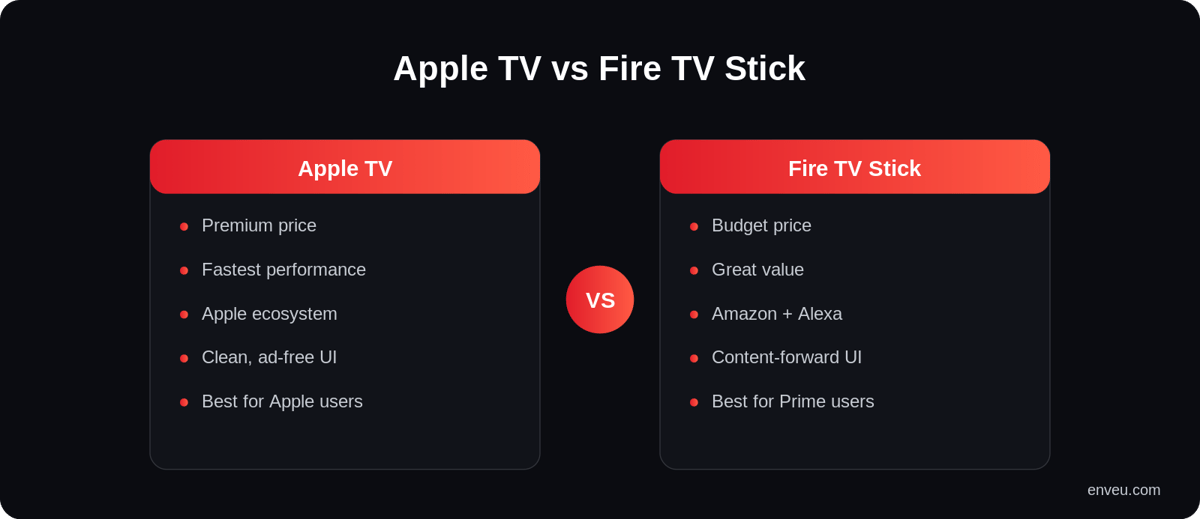
| Apple TV | Fire TV Stick | |
|---|---|---|
| Price | Premium (set-top box) | Budget (plug-in stick) |
| Performance | Fast, fluid, powerful chip | Good; higher-end "4K Max" is snappier |
| Ecosystem | Apple — AirPlay, iCloud, Fitness+, HomeKit | Amazon — Alexa, Prime, Fire devices |
| Interface | Clean, minimal, no house ads | Content-forward, promotes Amazon & ads |
| Voice | Siri | Alexa (deep integration) |
| Best for | Apple users, performance, gaming | Value seekers, Prime users, casual streaming |
Apple TV: strengths and who it's for
Apple TV is the powerhouse. The interface is clean and ad-free, playback and navigation feel instant, and it shines if you already live in Apple's world — AirPlay from your iPhone, Fitness+ on the big screen, HomeKit control, and better gaming than any stick. The catch is price: it costs several times what a stick does. It's for viewers who want the best experience and are already invested in Apple. If you regularly AirPlay from an iPhone or iPad, use Fitness+, or want the snappiest search and the cleanest home screen, Apple TV is the device built around exactly that.
Fire TV Stick: strengths and who it's for
The Fire TV Stick wins on value. It's inexpensive, plugs straight into an HDMI port, supports every major streaming app, and integrates tightly with Alexa and Amazon Prime. The interface leans on promoting Amazon content and shows more ads, but for most people the price-to-capability ratio is unbeatable — especially the 4K models. It's for value seekers and anyone deep in the Amazon ecosystem — and because it's so cheap, it's also the obvious choice for kitting out a second or guest TV without spending much.
How much does Apple TV cost vs a Fire TV Stick?
Price is the biggest practical gap between them. The Fire TV Stick is a budget plug-in device — the cheapest models cost a fraction of a set-top box, and even the top Fire TV Stick 4K Max stays inexpensive. The Apple TV 4K is a premium set-top box that costs several times more than a Firestick. That's the core trade-off: you're paying a premium for Apple's chip, ad-free interface and ecosystem, versus getting a capable streamer for very little with Fire TV.
One naming note that drives a lot of searches: "Apple TV" can mean three different things — the Apple TV 4K device (the hardware you buy once), the Apple TV app (free, where you access your library and buy/rent titles), and Apple TV+ (the paid subscription service with Apple's originals). So "how much is Apple TV" depends on which you mean: the box is a one-time hardware cost, the app is free, and Apple TV+ is a monthly subscription. For the service-vs-box distinction, see Apple TV vs Apple TV+.
Can you get the Apple TV app on a Fire TV Stick?
Yes. The Apple TV app — and Apple TV+ — is available to install directly on Fire TV, so you don't need Apple hardware to watch Apple's originals or your purchased library. This is a frequent mix-up: you don't need an Apple TV box to use the Apple TV app. Search for "Apple TV" in the Fire TV app store, install it, sign in, and you're set. The reverse is also true — most Amazon Prime Video content works fine on an Apple TV device. Because the big services are cross-platform, the hardware you own rarely locks you out of an app; it mainly changes the speed, interface and ecosystem around it.
Performance and interface: the real day-to-day difference
Beyond price, the gap you actually feel is speed and interface. Apple TV's chip is well ahead of any streaming stick, so menus, app launches and search feel instant even after a couple of years of use, and its home screen is clean and ad-free. The Fire TV Stick is perfectly smooth on the 4K Max model, but lower-end sticks can slow over time, and Fire OS puts Amazon content and sponsored rows front-and-centre, which some people find cluttered. If a fast, minimal, ad-free interface matters to you, that's Apple TV's strongest everyday advantage; if you don't mind Amazon's content-forward layout, the Fire TV experience is more than good enough for most viewers.
Gaming, AirPlay and ecosystem extras
The two devices also differ in the "extras" around streaming. Apple TV doubles as a light games machine (Apple Arcade), an AirPlay target for mirroring your iPhone or Mac, a HomeKit hub, and a screen for Fitness+ — genuinely useful if you're in the Apple ecosystem. Fire TV leans into Alexa: hands-free voice, smart-home control of Alexa devices, and deep Amazon/Prime integration, with some casual gaming too. Neither set of extras changes what you can watch — the same apps stream on both — but they can tip the decision if you're already invested in Apple or Amazon's wider world of devices. For the living-room landscape beyond these two, see the OTT TV box guide and how Samsung/LG smart-TV systems compare in Tizen vs Android TV.
Which should you choose?
If budget is the priority, or you're a Prime household, the Fire TV Stick is the sensible pick. If you want the fastest, cleanest experience and you're an Apple user, Apple TV is worth the premium. Both deliver the same 4K HDR streams from the same apps — the difference is ecosystem, speed and price, not what you can watch.
- Choose Apple TV if you're in the Apple ecosystem, want the fastest, ad-free interface, care about gaming/AirPlay/Fitness+, and don't mind paying a premium.
- Choose a Fire TV Stick if you want the best value, you're a Prime household, you use Alexa, or you just need a capable streamer for a spare or second TV.
- Either works if you mainly watch the big streaming apps — both carry them all in 4K HDR, so you won't be locked out of content either way.
For content owners: you don't choose — you reach both
If you run a streaming service, this comparison flips entirely: it stops being "which device should I buy" and becomes "which devices must my app be on." And the answer is all of them. Your viewers are split across Apple TV and Fire TV — plus Roku, Android TV and the Samsung and LG smart TVs covered in Tizen vs Android TV — so you need a branded app on every device. Building each natively is slow and expensive. Enveu's apps ship your branded app to Apple TV, Fire TV, Roku, Android TV, mobile and web from one back end — content managed in the Content Manager and monetized with SVOD/AVOD/TVOD/hybrid at 0% revenue share. See how to build your own Fire TV app or explore the OTT TV box landscape.