H.264 vs H.265: Choosing the Right Video Codec
Compare H.264 vs H.265 video codecs. Learn about compression, quality, bandwidth usage, device support, and which codec is best for streaming.
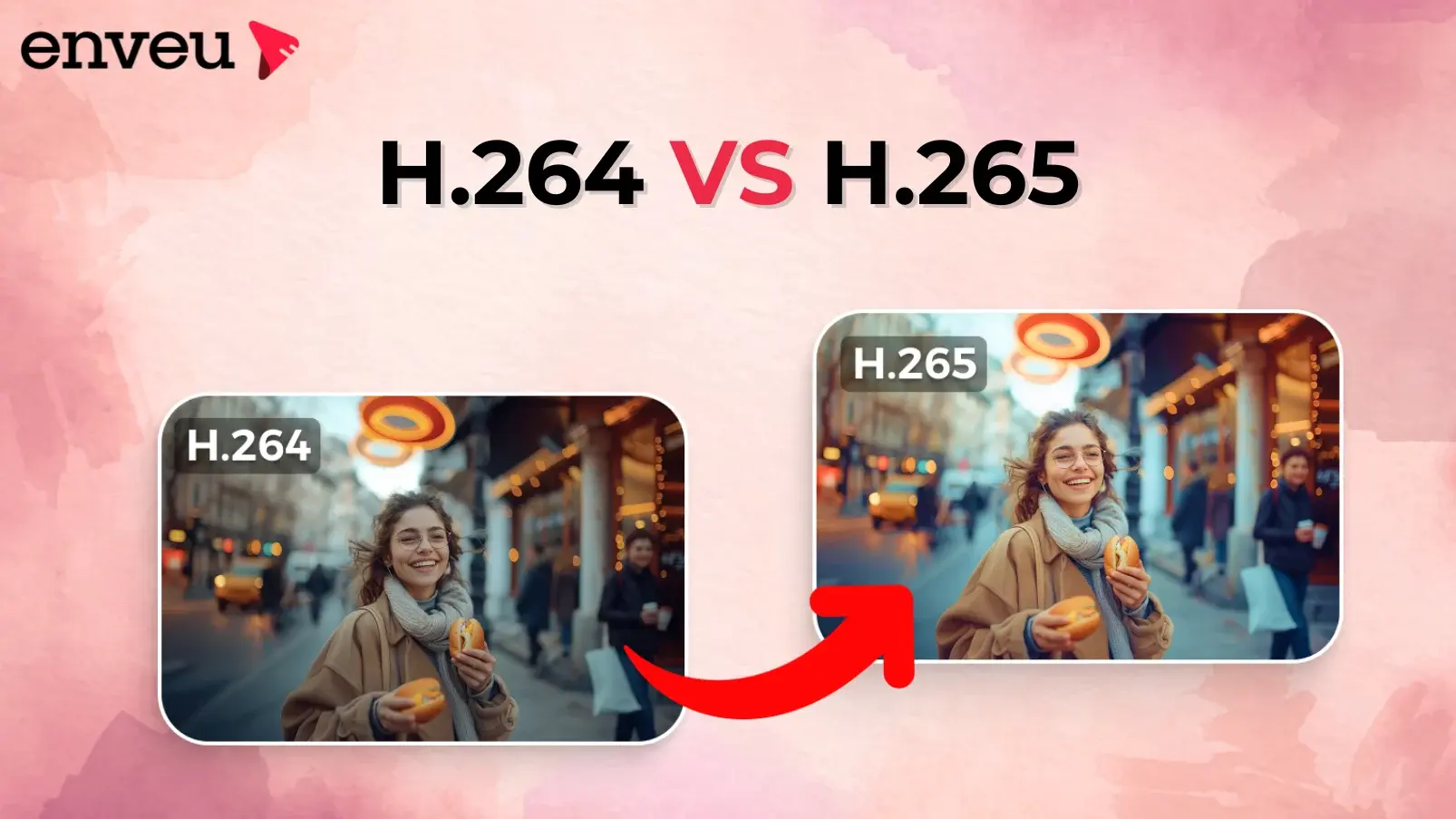
Videos have become an indivisible part of our lives. They are constantly created and shared, be it social reels or security footage. But what makes it easy for videos to stream, share and download? Introducing CODECS, the unsung heroes who make it easy for us to view online videos, even with poor net connectivity and on any device.
Today, we used two types of codecs: H.264 and H.265. While H.264 has been in the industry for quite some time, H.265 is the next version with enhanced efficiency.
This article explains both codecs plainly and helps you choose the right one for your needs.
What Exactly is a Video Codec?
A Video codec enables video streams to be smooth and download quickly. It compresses large files, thereby making online transfer a breeze. Moreover, archiving small files is convenient.
A one-minute raw 1080p video takes up a considerable amount of 5GB. That's where codecs come to help us to compress the videos without losing quality. They compress the videos to over 90%.
How Reliable is the H.264 (AVC)?
H.264, or Advanced Video Coding, has supported the digital video industry since 2003. It divides each frame into 16x16-pixel macroblocks. The codec examines these blocks for any similarities. If two blocks look alike, the codec stores only the difference, saving space without losing clarity.
Motion prediction further reduces redundancy by estimating how pixels move between frames.
What are the Advantages of H.264?
- Customarily used every day, as its balance between compression and quality is commendable.
- Transparently used across all devices, including smart TVs, and all operating systems and browsers.
- Utilises less processing power while still providing smooth playback, particularly at lower bitrates, making it efficient.
- Plays 4K and Full HD reasonably well on mid-range hardware.
- More beneficial to live streaming operations since streaming services outperform newer competitors in encoding speed.
What are the Limitations of H.264?
- This codec keeps the file size much higher than H.265.This means higher storage and bandwidth costs.
- It is less effective for very high resolutions such as 4k HDR, and 8K. Unable to retain the subtle details.
Some may feel H.264 is outdated. Yet it still retains its place as several platforms support H.264.
Why H.265 (HEVC) is The Next-Gen Performer?
Technology keeps upgrading, and so does the reciprocating software. The same happened with H.265 (High Efficiency Video Coding) in 2013 to support the growing demand for higher resolutions.
This codec doesn’t use fixed macroblocks. Instead, it works with Coding Tree Units (CTUs). These CTUs range from 4x4 to 64x64 pixels.
It means HEVC offers greater flexibility. The H.265 comes with superior features. It maintains quality and details, especially in intricate scene transitions. The performance is much better than H.264. H.265 also presents sharper visuals.
H.265 offers enhanced motion compensation as well. Combined with H. 265's overall better efficiency than H.264, there is vastly improved playback performance with no stutter, even when subjects are quick and nimble and move about the scene rapidly.
What are the Advantages of H.265?
- Reduces file size by more than 50% in comparison to H.264. Finer display attributes are achieved than with H.264.
- Ideal for modern displays due to its adaptability to support 4K, 8K and beyond.
- Enables downloading of high-quality videos on mobile networks with low bandwidth.
- Supports gaming, video conferencing, surveillance, and other high-clarity, high-detail use cases.
- Helps businesses minimise costs associated with storage for large video libraries.
What are the Limitations of H.265?
- Demands much greater processing power for video encoding and decoding, straining older systems.
- Certain older systems and browsers that lack HEVC support also face compatibility issues.
- Commercial use is hampered due to licensing difficulties, particularly relative to H.264.
- Workflows are presently lagging because of slow encoding speeds caused by more complicated algorithms.
Netflix, Amazon Prime, and Disney+, are now major users of H.265 for 4K HDR streaming.
Surveillance systems have also started using H.265. These systems see the benefit that they don't have to arrange larger data storage systems to store the footage when compressed with H.265.
Head-to-Head Comparison: H.264 vs. H.265
|
Feature |
H.264 (AVC) |
H.265 (HEVC) |
|
Year Introduced |
2003 |
2013 |
|
Compression Efficiency |
Moderate |
High (up to 50% smaller files) |
|
Video Quality |
Good |
Excellent, sharper at same bitrate |
|
File Size |
Larger |
Smaller |
|
Resolution Support |
Up to 4K |
Up to 8K and beyond |
|
Processing Power |
Low |
High |
|
Compatibility |
Universal |
Limited on older devices |
|
Use Case Fit |
Everyday streaming |
Professional, high-resolution workflows |
|
Licensing |
Simple |
Complex for commercial use |
This table shows why H.264 remains dominant for compatibility, and H.265 shines in efficiency and future-readiness.
Which Codec Should You Choose?
Choosing between H.264 and H.265 depends on your goals, devices, and audience.
Choose H.264 if
- Your priority is device and platform compatibility.
- You are dealing with older hardware or browsers.
- You want quicker encoding with minimum setup.
- Your content is limited to HD or Full HD and not ultra-high resolution.
Choose H.265 if
- You want to compress video files for 4K and beyond.
- You have to optimise videos for modern devices and professional workflows.
- Your work involves surveillance or mobile streaming, where bandwidth and storage are limited.
- You want to provide future-ready content.
Common Use Scenarios
|
Use Case |
Recommended Codec |
Reason |
|
YouTube & Online Streaming |
H.264 |
Universal support ensures smooth playback across browsers and devices. |
|
OTT Platforms (Netflix, Prime) |
H.265 |
Efficient compression for 4K HDR content saves bandwidth and storage. |
|
Video Surveillance |
H.265 |
Smaller files and sharper detail help store long footage with limited space. |
|
Mobile Devices & Old PCs |
H.264 |
Lower processing demand ensures smooth playback on older hardware. |
|
Video Archiving |
H.265 |
Compact storage reduces costs while preserving high-quality masters. |
This breakdown shows how each codec fits different needs. It's up to the creators to balance compatibility with efficiency before deciding which codec to adopt.
Expanded Practical Insights
- Streaming Services: H.264 is the standard codec with YouTube and billions of devices that continue to use H.264.
- Professional Filming: H.265 is being adopted more and more by studios for ultra-high-definition and future-proof content with the transition being gradual.
- Gaming and Virtual Reality: These branches need crisp details and seamless experiences with the only codec that is able to provide that being H.265.
- Business Video Conferencing: H.265 also uses less bandwidth. It ensures clear calls despite poor connectivity.
- Surveillance Systems: With H.265, we can store more security footage than files compressed with H.264.
- Mobile: H.265 codec allows for high-quality video to be delivered even on congested networks and moderate 4G connections.
Conclusion: Compress Smart, Stream Smarter
Both H.264 and H.265 are powerful, industry-leading video compression codecs. H.264 continues to dominate with unmatched compatibility and reliability, while H.265 is shaping the future with superior compression and ultra-high-resolution performance.
Ready to turn the right codec choice into a competitive advantage?
With Enveu, you can launch, manage, and monetise high-performance streaming experiences faster optimised for H.264, H.265, and modern OTT workflows. Reduce bandwidth costs, scale effortlessly, and deliver premium video experiences across every screen.
Start streaming smarter with Enveu.
Key Takeaway
-
H.264 is the best choice for maximum compatibility, faster encoding, and live or everyday streaming.
-
H.265 is ideal for modern, high-resolution video workflows, offering significantly better compression and long-term savings.
-
The right codec depends on your audience devices, bandwidth constraints, and future growth plans.