A streaming encoder converts a raw camera or HDMI signal into a compressed digital stream (using codecs like H.264 or HEVC) that can be sent over the internet. Encoders come in three forms — hardware appliances, software on a computer, and cloud — and the "best" one depends on your use: hardware for pro live production, software to start cheaply, and cloud when you'd rather not manage a box at all. For most modern streaming, sending a feed to a cloud platform that transcodes for you is the simplest path.
What is a streaming encoder?
Cameras and capture devices output a large, uncompressed signal. A streaming encoder compresses it in real time with a video codec (commonly H.264 or the more efficient HEVC/H.265) and packages it for delivery over protocols like RTMP or SRT. Without an encoder, the raw feed is far too heavy to stream — a single uncompressed HD frame is megabytes, and there are dozens every second. The encoder is what turns that firehose into a stream your viewers' connections can actually carry.
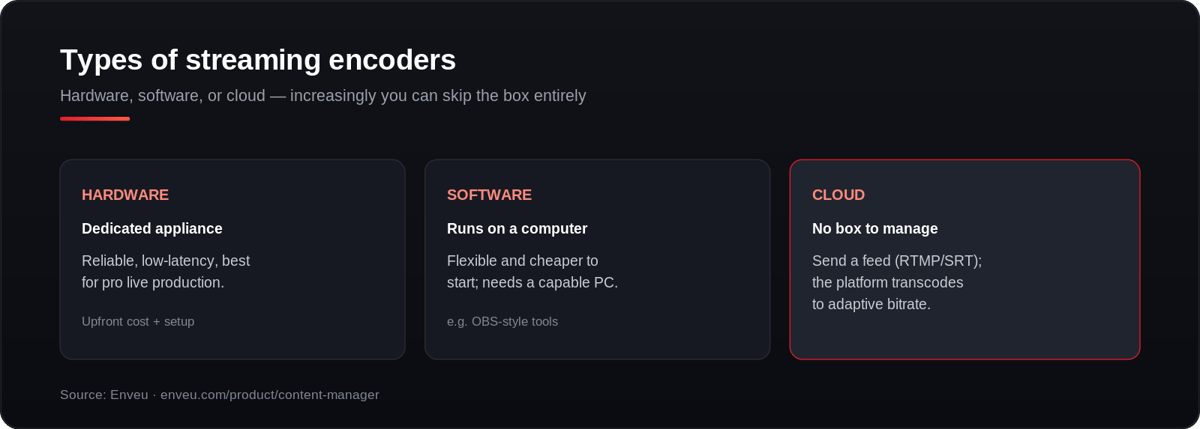
Hardware vs software vs cloud encoders
| Type | Best for | Trade-off |
|---|---|---|
| Hardware (dedicated appliance) | Pro live production, reliability, low latency | Upfront cost, setup, portability |
| Software (runs on a PC) | Getting started, flexibility, lower cost | Needs a capable computer; more to manage |
| Cloud (platform-based) | Skipping hardware entirely; scaling | Depends on your upload/connection |
What are the best free streaming encoders?
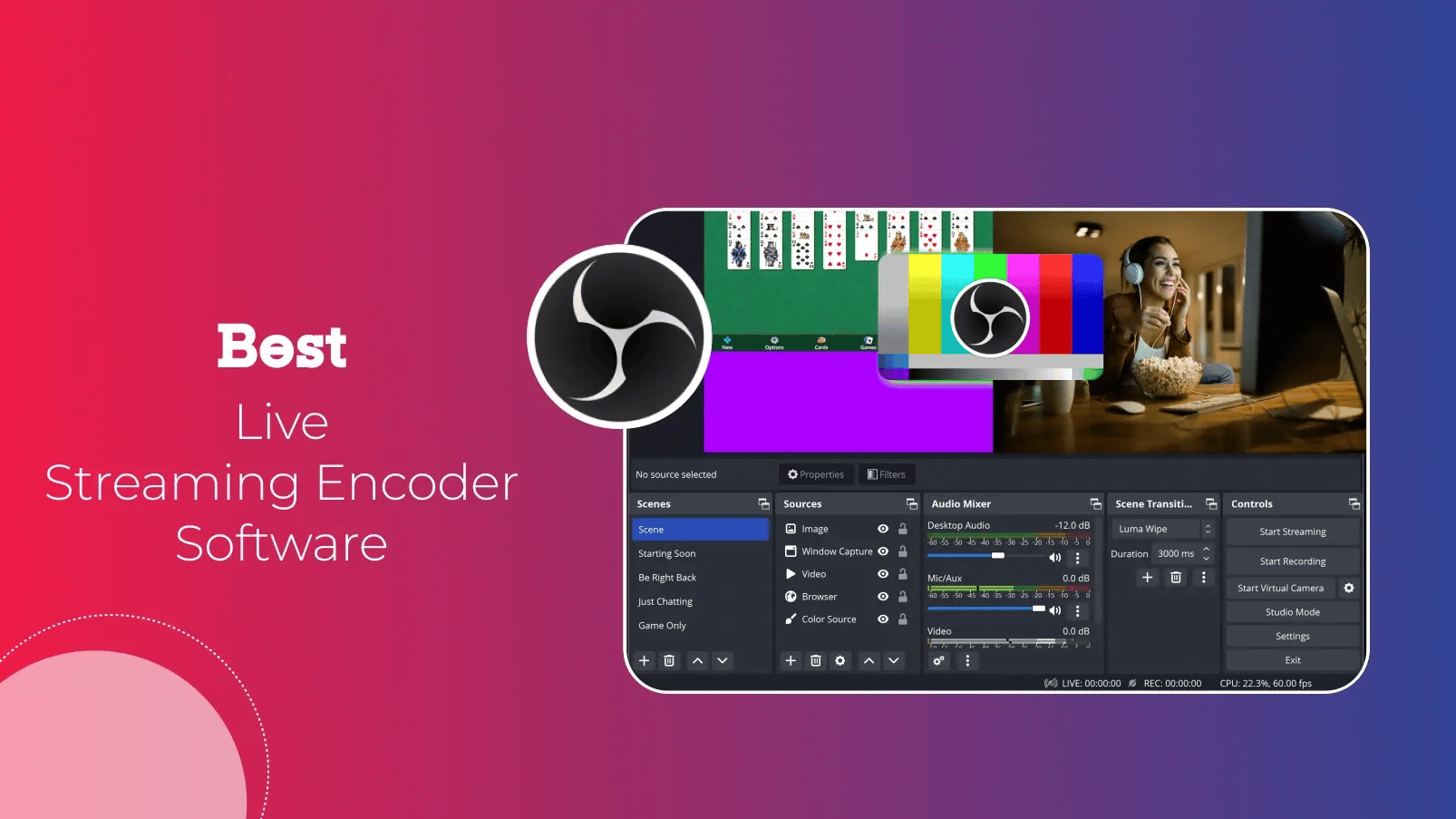
You don't have to pay to start. OBS Studio is the go-to free, open-source encoder — capable enough for professional streams with scenes, sources and plugins. Streamlabs (built on OBS) adds beginner-friendly overlays and alerts at no cost. Both run on a normal computer, so for a first stream your only real spend is a decent camera and a stable connection. Paid tools like vMix and Wirecast add advanced production features when you outgrow the free options.
Best streaming encoders, by use case
Rather than one "best" encoder, match the type to the job:
- Best for professional live events — a dedicated hardware encoder for reliability and low latency.
- Best for getting started / studios — software encoders running on a good PC.
- Best HDMI / 4K capture — a hardware encoder (or capture card) that supports HDMI in and 4K/HEVC out.
- Best for scale without hardware — a cloud platform that ingests your RTMP/SRT feed and transcodes it for you.
Best software encoders for live streaming
Software encoders run on your computer and are the usual starting point — most are free or low-cost. The best-known options:
| Software encoder | Known for |
|---|---|
| OBS Studio | Free, open-source, hugely popular; scenes, sources and plugins for any setup. |
| Streamlabs | OBS-based but beginner-friendly, with built-in overlays and alerts. |
| vMix | Powerful Windows production switcher — multi-camera, replays, NDI. |
| Wirecast | Polished cross-platform live production for pro webcasts. |
| Wowza Streaming Engine | Server-side software for large-scale, low-latency delivery. |
For dedicated appliances instead, see our guide to the best hardware encoders.
Encoding vs transcoding: what's the difference?
They're related but not the same. Encoding is compressing a raw source into one streamable format (what your encoder does). Transcoding is converting that already-encoded stream into multiple additional formats and bitrates — the adaptive-bitrate ladder viewers actually receive. Your encoder handles the first step; a streaming platform (or cloud service) usually does the second, so every device gets a version it can play.
How to choose a streaming encoder
- Match your output — 1080p60 or 4K? That sets the codec (H.264 vs HEVC) and horsepower you need.
- Check your inputs — HDMI, SDI or NDI from your camera/switcher.
- Pick the protocol — RTMP for platform ingest, SRT for unreliable networks.
- Weigh reliability vs cost — software to start cheaply, hardware for mission-critical or 24/7.
- Confirm the destination — that your platform/CDN accepts the encoder's output.
Encoder settings that matter
- Bitrate + CBR — set a bitrate your upload sustains; use constant bitrate for live. See CBR vs VBR and the bitrate guide.
- Keyframe interval — 2 seconds is the standard most platforms expect.
- Codec & preset — H.264 for compatibility, HEVC for 4K efficiency; match the preset to your CPU/GPU.
- Resolution & frame rate — match your source; 60fps needs more bitrate than 30fps.
What to look for in a streaming encoder
- Codecs — H.264 for compatibility, HEVC/H.265 for better quality at lower bitrate (important for 4K).
- Resolution & frame rate — up to 1080p60 or 4K, matching your source and audience.
- Protocols — RTMP is universal; SRT is better for unreliable networks.
- Latency — matters for interactive/live events.
- Bitrate control — see our guide to choosing the best bitrate and streaming resolutions.
Common streaming encoder problems and fixes
| Problem | Likely cause | Fix |
|---|---|---|
| Dropped frames | Bitrate above your upload, or CPU overload | Lower bitrate; use a faster preset or hardware encoding |
| Audio/video out of sync | Wrong buffer or source timing | Match sample rates; check the capture device |
| Stream keeps disconnecting | Unstable network | Use ethernet or SRT; add failover/bonded cellular |
| Blocky picture | Bitrate too low for the resolution | Raise bitrate or drop resolution; try HEVC |
Do you need an encoder to stream on YouTube or Twitch?
To stream from a camera or a full production setup, yes — you need an encoder to compress and send the feed via RTMP to YouTube or Twitch. If you're just going live from a phone or webcam, the platform's own app does the encoding for you behind the scenes. The moment you add a real camera, a switcher, or want reliable quality, a dedicated software or hardware encoder is the piece that makes it possible.
Do you still need a hardware encoder?
Often, no. If your platform can ingest a standard feed and transcode it in the cloud, you only need a simple encoder (even software) to send the stream — the heavy lifting happens on the platform. Enveu's Content Manager ingests RTMP/SRT and transcodes to adaptive bitrate up to 4K, and integrates with leading encoding and streaming partners — so you get professional encoding without racking and managing hardware. For live specifically, see live streaming platform.