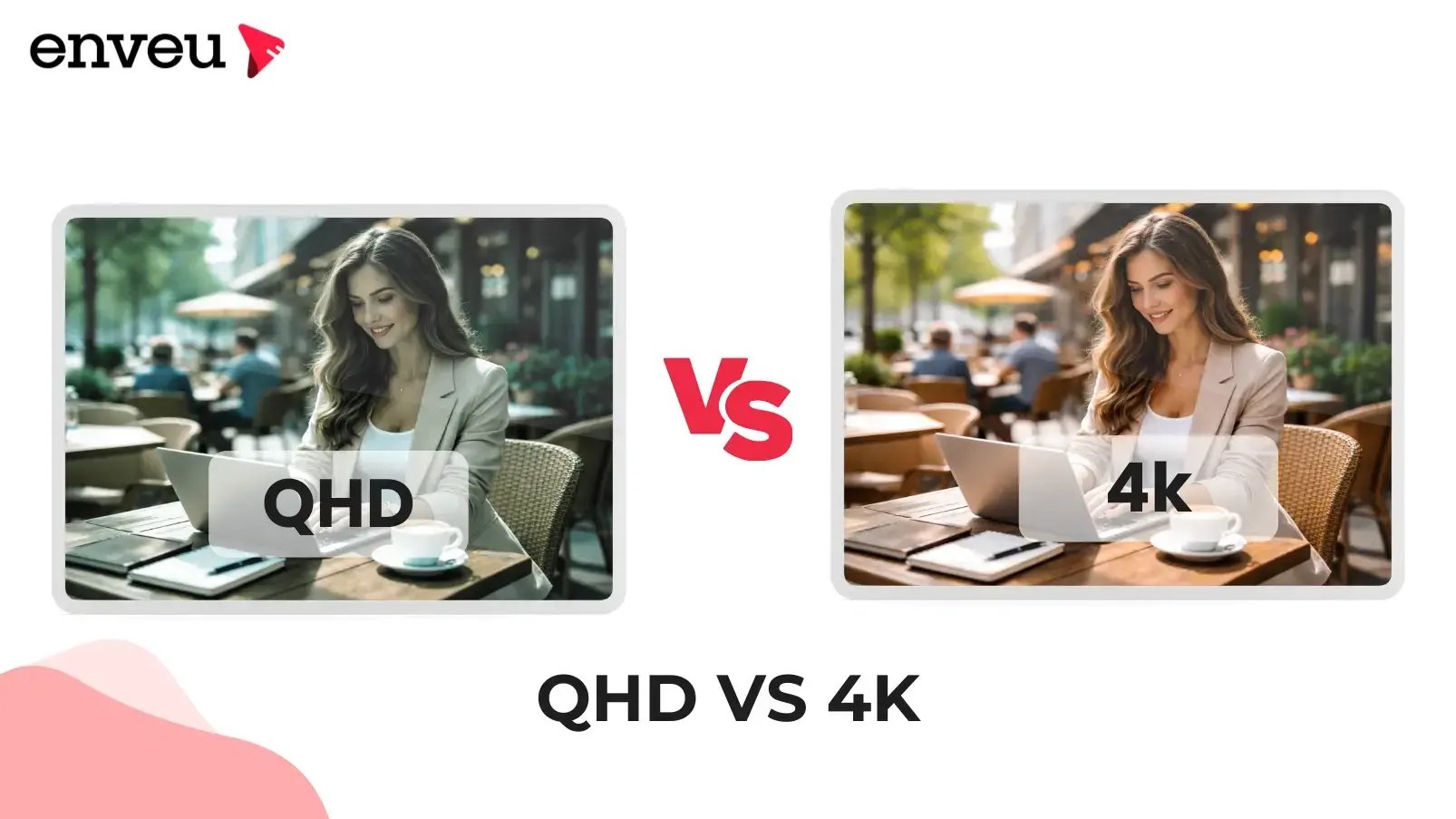
QHD (Quad HD, 1440p, 2560×1440) and 4K (Ultra HD, 2160p, 3840×2160) differ in resolution: 4K has about 1.8× more pixels than QHD, so it looks sharper — but QHD uses far less bandwidth and processing power. No, QHD is not 4K. For most screens and streaming, QHD is excellent and easier to run; 4K pulls ahead on large displays and premium content where the extra detail is visible. The right choice is a trade-off between sharpness and the bandwidth/hardware to support it.
QHD vs 4K at a glance
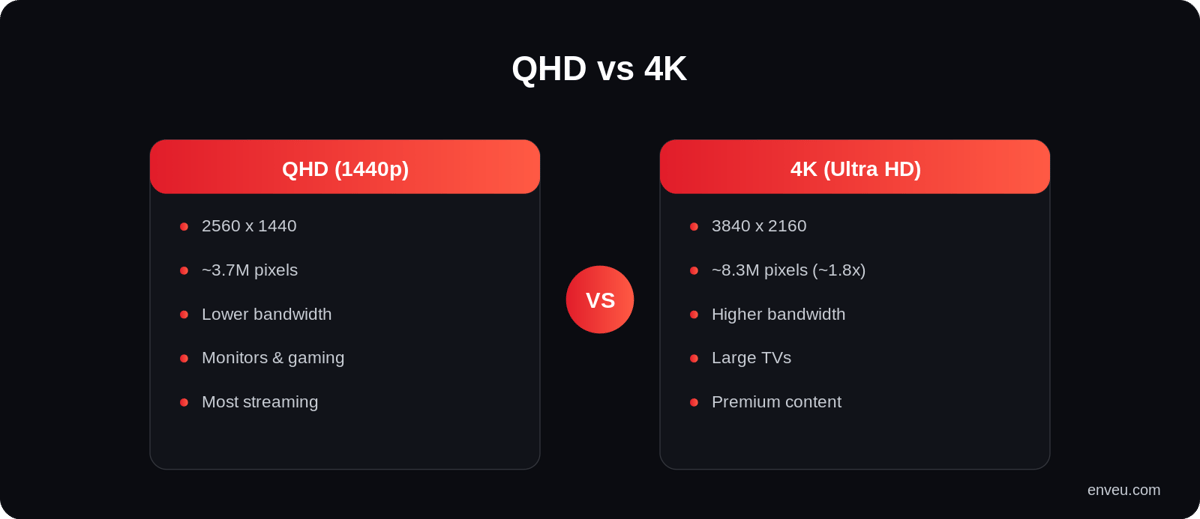
| QHD (Quad HD) | 4K (Ultra HD) | |
|---|---|---|
| Resolution | 2560 × 1440 (1440p) | 3840 × 2160 (2160p) |
| Pixels | ~3.7 million | ~8.3 million (~1.8× more) |
| Sharpness | Very sharp | Sharpest, especially on big screens |
| Bandwidth / hardware | Lower — easier to stream and run | Higher — needs more bandwidth and power |
| Best for | Monitors, mid-size TVs, gaming, most streaming | Large TVs, premium content, detail-critical work |
What is QHD (1440p)?
QHD stands for Quad HD — 2560×1440, or "1440p." It's called "Quad HD" because it packs four times the pixels of standard HD (720p). It's a popular sweet spot for monitors and gaming: noticeably sharper than Full HD (1080p) without the heavy demands of 4K.
What is 4K (Ultra HD)?
4K, or Ultra HD, is 3840×2160 (2160p) — roughly four times the pixels of Full HD and about 1.8× more than QHD. The extra resolution shows most on large screens or when you sit close, delivering crisp detail for movies, sports and detailed work. It costs more in bandwidth, storage and processing.
Is QHD the same as 4K?
No. This is the most common mix-up: QHD (1440p) is a step below 4K (2160p). QHD is sometimes loosely called "2K," but it is not 4K and has roughly half the pixels. If a spec says QHD or 1440p, it is not Ultra HD.
Is QHD 4K? (the short answer)
No — QHD is not 4K. This is the single most-searched question about QHD, so to be clear: QHD (Quad HD, 2560×1440) has about 3.7 million pixels, while 4K (Ultra HD, 3840×2160) has about 8.3 million — roughly 1.8× more. They are two different resolution tiers. The confusion comes from the name: "Quad HD" means four times 720p HD, not four-K. So whenever a spec, monitor or TV says QHD or 1440p, it is a clear step below true 4K, not the same thing.
QHD vs UHD (and "2K"): clearing up the names
The naming around these resolutions trips a lot of people up, so here's the map. UHD (Ultra HD) is another name for 4K — 3840×2160 — so "QHD vs UHD" is the same question as "QHD vs 4K," and the answer is the same: UHD has nearly twice the pixels. QHD (Quad HD, 1440p) is sometimes loosely called "2K," but 2K technically refers to ~2048-wide cinema resolution; in everyday use "2K" and "QHD/1440p" are used interchangeably for 2560×1440. And you may see WQHD (Wide QHD) — that's just QHD on an ultrawide monitor. The takeaway: QHD = Quad HD = 1440p ≈ "2K"; UHD = 4K = 2160p. They are not the same, and UHD/4K is the higher tier.
| Name | Resolution | Also called |
|---|---|---|
| Full HD (FHD) | 1920 × 1080 | 1080p |
| QHD (Quad HD) | 2560 × 1440 | 1440p, "2K", WQHD (ultrawide) |
| 4K (Ultra HD) | 3840 × 2160 | 2160p, UHD |
QHD vs 4K monitors: which is better?
On monitors, the choice is less about "more is better" and more about size, distance and use. A QHD monitor (2560×1440) is the popular sweet spot for 24–27" displays: sharp, but light enough that a mid-range graphics card can drive it at high refresh rates — which is why gamers and most desktop users prefer it. A 4K monitor (3840×2160) shows its extra detail best at 27–32"+ or when you sit close, and it's excellent for photo/video editing and reading fine text — but pushing 4K at high frame rates needs a much more powerful GPU. As a rule of thumb: for gaming and general work, QHD at a high refresh rate usually feels better; for detail-critical creative work or very large screens, 4K wins. The "better" resolution depends on what the screen is for, not just the pixel count.
QHD vs 4K for gaming
Gaming is where the QHD-vs-4K choice gets most practical. Driving 4K at high frame rates is extremely demanding on a graphics card — hitting 120fps at 4K needs top-end hardware. QHD (1440p) is the enthusiast sweet spot precisely because it looks sharp on 27" monitors while leaving GPU headroom for high refresh rates, which most gamers value more than raw resolution. So for competitive or high-frame-rate gaming, QHD usually delivers the better overall experience; 4K makes more sense for slower, visually rich single-player games on a large screen where detail matters more than frame rate. It's the same sharpness-versus-demands trade-off, just felt most sharply where every frame counts.
Do you need 4K for streaming?
Not necessarily. QHD looks excellent on most screens and streams with noticeably less bandwidth than 4K, so it plays more reliably on average connections and uses less data. 4K is worth it on large TVs or for premium content where the extra detail is visible and your connection can sustain the higher bitrate without buffering. For context on how much bandwidth each tier needs, see our guide to the best bitrate for streaming, and how the quality steps compare in HD vs SD. The reassuring part: on a streaming service you rarely have to choose a single resolution at all — adaptive delivery serves whichever tier each viewer's screen and connection can handle.
Is QHD better than 4K?
Neither is universally "better" — they trade sharpness against demands. 4K is objectively sharper (nearly double the pixels) and pulls ahead on large TVs, premium HDR content and close-up detail. QHD is more efficient — it needs less bandwidth to stream, less storage, and less graphics power to run smoothly, and on typical screen sizes and viewing distances the difference from 4K is hard to notice. So QHD is often the smarter, more practical choice for monitors, gaming and everyday streaming, while 4K is the premium choice where the extra detail is actually visible and your hardware and connection can support it.
Where QHD and 4K sit in the resolution ladder
It helps to see these two as neighbours on a ladder rather than rivals. Below them, Full HD (1080p) is still the streaming baseline; QHD (1440p) is the next rung up, common on monitors; 4K/UHD (2160p) sits above that on TVs and premium displays; and 8K (4320p) sits at the very top, still rare and bandwidth-hungry. Each rung roughly multiplies the pixel count, and each demands more from your screen, GPU and connection. QHD and 4K are simply adjacent steps — QHD the efficient, widely practical one, 4K the sharper, more demanding one. Knowing the ladder makes the naming (1080p, 1440p, 2160p) far less confusing and the trade-offs obvious.
Which should you use — and stream in?
For everyday viewing, gaming and most monitors, QHD hits the best balance of sharpness and performance. Choose 4K for large TVs and premium content where the detail is visible and you have the bandwidth for it. For streaming services, you don't have to pick one — adaptive bitrate streaming offers multiple resolutions and lets each viewer's player choose based on their screen and connection. See how the ladder works in our streaming resolutions guide, and how encoding handles it in Content Manager. For related picture concepts, see video aspect ratio.